1
Supplementary features
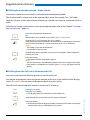
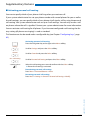
■ Dialling with a configured softkey
You want to call a user whose phone number is stored under a softkey.
You can call the user by pressing the corresponding softkey. To find out how to configure a
softkey, refer to Chapter "Configuring keys", page 62.
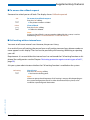
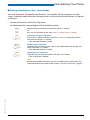
<Setting value>
Press the configured softkey.
➔ The key’s allocated function is shown on the display.
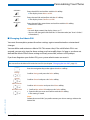
Press the Call key.
➔ The phone number displayed is dialled.
■ Requesting a Callback
You want to talk to a certain person. The person is busy or does not answer. You can make callback requests to both internal and external users. Not all providers support this function.
If the called party is busy, you can activate an automatic callback. In this case, your phone will
start ringing as soon as the party you are trying to reach goes on-hook. Then when you press
the Call key, the user is called directly.
If the called party does not answer, you can also request a callback. The user then obtains a
message indicating your callback request on his display.
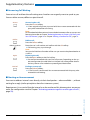
You called someone and hear the busy tone or the ring-back tone.
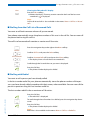
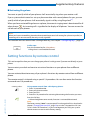
Callback
To activate a callback request:
Press the Callback softkey.
➔ The display shows Call expected.
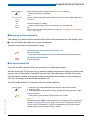
Close
Back to the idle state:
Press the Close softkey.
➔ Callback remains activated.
Note:
The callback is stored in Menu > Activated features as long as it was not
answered or cancelled by the system.
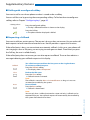
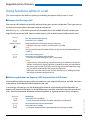
Reset
Reset callback:
Press the Reset softkey.
➔ Callback is deactivated.
eud-1093/1.1 – I7.9 – 09.2009
Note:
You can only have 1 callback activated at a time and only 1 callback can be
expected from you. Your callback request will automatically be cancelled by
the system after about half an hour.
28
Aastra 610d