1
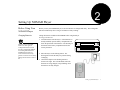
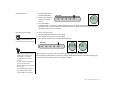
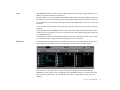
Playing back Voice Recording:
1. Press the Play button to play back the current track. Press it again to pause. To resume the playback of
the current track, press the Play button.
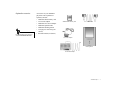
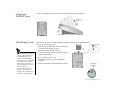
Right Side
After a track is erased, each of the
track numbers following it
decreases by one.
Operating the FM Radio
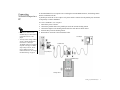
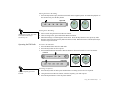
Erasing Voice Recording:
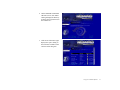
1. Select a track using the Forward or Reverse button.
2. After selecting a track, press and hold the Rec/Erase button.
3. When the message to confirm appears on the LCD: Press the Play button to erase; press any other
button to cancel or do not press any button for three seconds. When the action is cancelled, the Player
returns to its previous state.
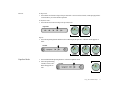
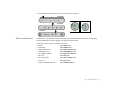
To listen to the FM radio:
1. Press the Mode button and select FM mode.
2. Press the Play button to select a preset.
3. Press and hold either the Forward or Reverse button to fast-scan forward or reverse for stations.
Left Side
Right Side
1
Up to ten frequency presets are
available.
2
Presetting a Frequency:
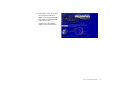
1. Press the Play button to find a preset number that is not being used or one to be replaced.
2. Using the Forward or Reverse button, select the frequency you want to preset.
3. Press the Repeat button to select the preset number.
Using Your NOMAD Player
13