1
Step 2:
Connect
NOMAD
Jukebox to
Your PC or
Mac
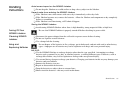
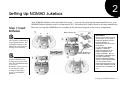
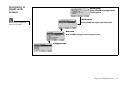
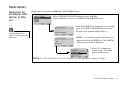
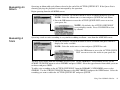
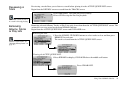
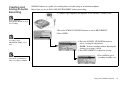
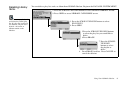
The diagram below shows how to make the connection for:
A. Downloading MP3 music to NOMAD Jukebox using PlayCenter 2 or Sound Jam.
B. 1. Supplying power to your NOMAD Jukebox by using the power adapter.
2. Recharging the NiMH batteries in NOMAD Jukebox.
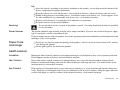
You may leave your
computer on when you
connect your NOMAD
Jukebox to the USB port. A
USB device, such as the
Jukebox, is automatically
detected by your computer.
Step 3: Run
Jukebox
Tutorial
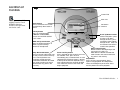
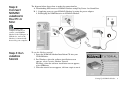
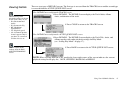
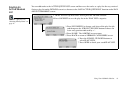
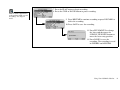
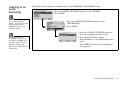
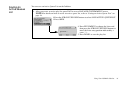
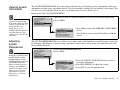
To run the Jukebox tutorial:
1. Insert the NOMAD Jukebox Installation CD into your
CD-ROM drive.
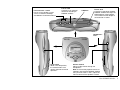
2. For Windows, when the software installation screen
appears, select Creative Jukebox Tutorial.
For Macs, when the software installation screen appears,
select NJBdemo.
3. When the tutorial screen appears, click on a topic to run it.
Setting Up NOMAD Jukebox
6