1
all-fo2970.book
Page 141 Monday, July 24, 2000
7:45 AM
Quick Reference Guide
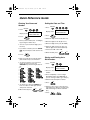
Sending Faxes
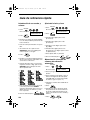
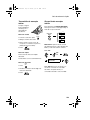
Receiving Faxes
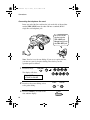
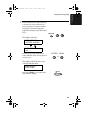
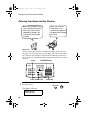
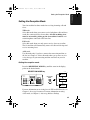
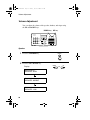
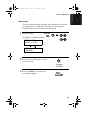
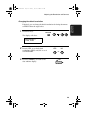
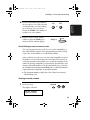
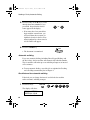
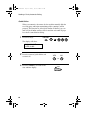
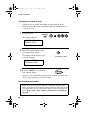
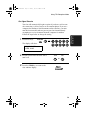
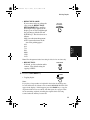
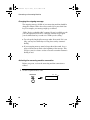
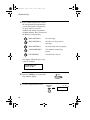
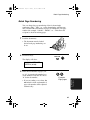
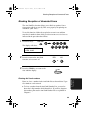
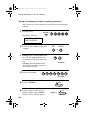
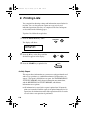
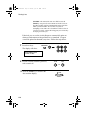
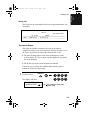
Press the RECEPTION MODE key until the
arrow in the display points to the desired
reception mode.
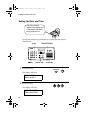
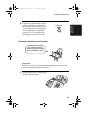
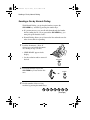
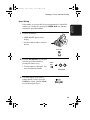
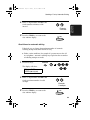
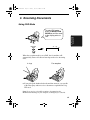
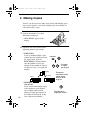
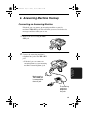
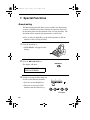
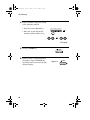
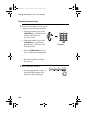
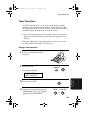
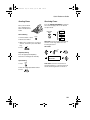
Place your document
(up to 20 pages) face
down in the document
feeder.
TEL FAX
FEB 01 10:30
M:00% STAND-BY
RECEPTION
MODE
A.M.
TEL FAX
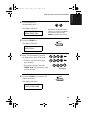
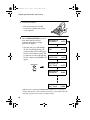
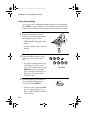
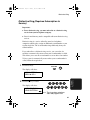
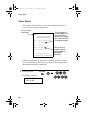
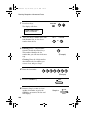
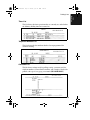
Normal Dialing
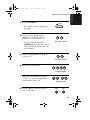
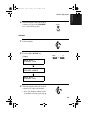
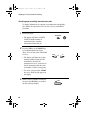
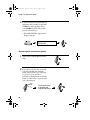
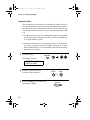
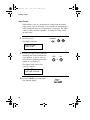
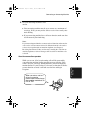
1. Lift the handset or press
FEB 01 10:30
M:00% STAND-BY
SPEAKER
TEL FAX
FEB 01 10:30
M:00% STAND-BY
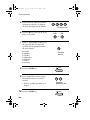
2. Dial the fax number.
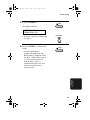
3. Wait for the reception tone (if a person
answers, ask them to press their Start
key).
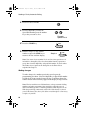
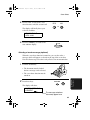
4. Press:
A.M.
START
A.M.
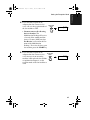
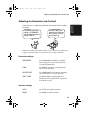
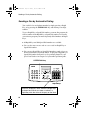
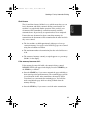
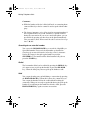
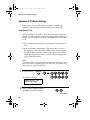
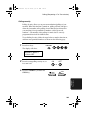
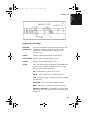
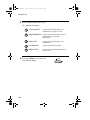
FAX mode: The fax machine automatically
answers on four rings and receives the
incoming document.
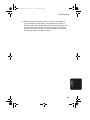
TEL mode:
Beep
START
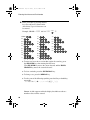
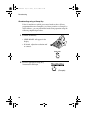
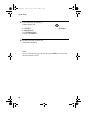
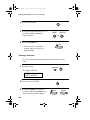
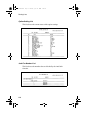
Rapid Key Dialing
Press the appropriate Rapid Key.
Transmission will begin automatically.
RECEIVING
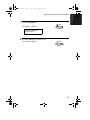
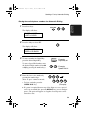
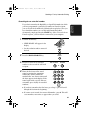
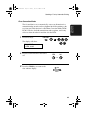
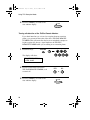
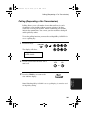
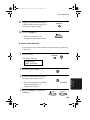
Speed Dialing
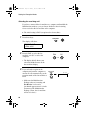
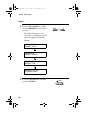
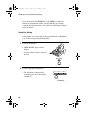
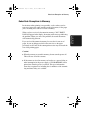
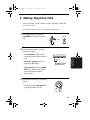
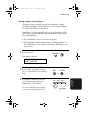
1. Press:
SPEED
DIAL
2. Enter the 2-digit Speed Dial number.
3. Press:
A.M. mode: Select this mode when an
answering machine is connected to the fax
and the answering machine is turned on.
START
141