1
all_ux340lm.book Page 87 Tuesday, November 28, 2000
3:09 PM
8. Special
Functions
Timer Operations
9
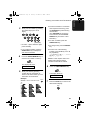
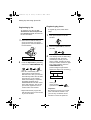
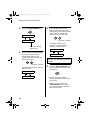
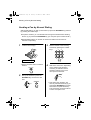
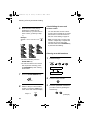
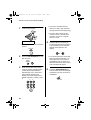
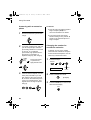
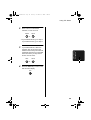
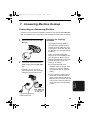
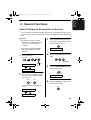
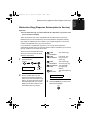
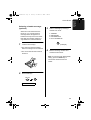
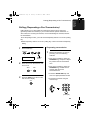
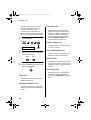
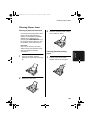
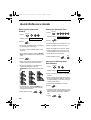
Adjust the resolution and/or
contrast if desired (skip to the next
step if you don't want to change
settings).
2
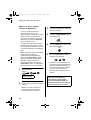
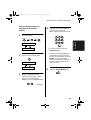
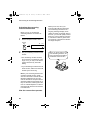
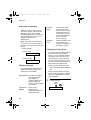
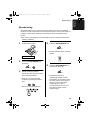
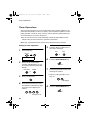
Press # to cancel a transmission
operation, or * to cancel a polling
operation.
POLLING
SEND
RESOLUTION
or
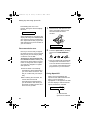
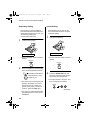
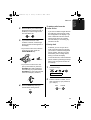
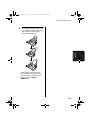
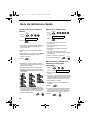
10 Press the START/MEMORY key
and then the STOP key. If this is a
transmission operation, load the
document in the feeder sometime
before the specified time of
transmission.
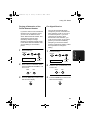
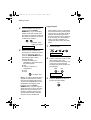
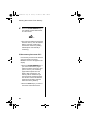
3
Press 2 to select CLEAR.
2
STOP
4
START/MEMORY
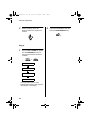
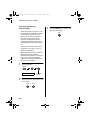
Press the START/MEMORY key
and then the STOP key.
STOP
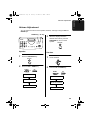
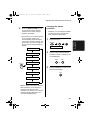
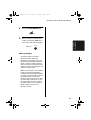
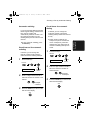
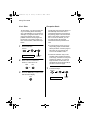
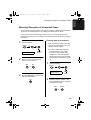
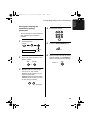
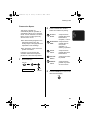
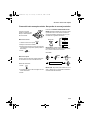
To cancel a timer operation
START/MEMORY
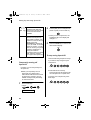
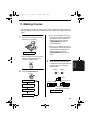
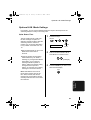
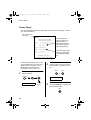
If you need to cancel a timer
operation after it has been set, follow
the steps below.
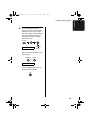
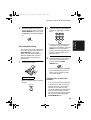
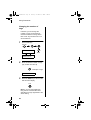
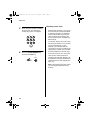
1
Press these keys:
FUNCTION
1
TIMER MODE
87