1
MultiVOIP User Guide
Operation & Maintenance
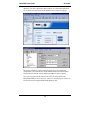
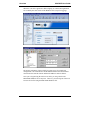
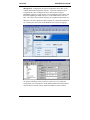
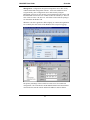
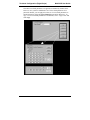
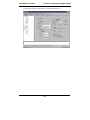
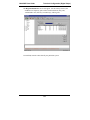
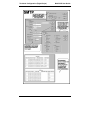
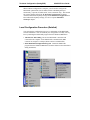
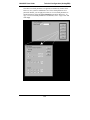
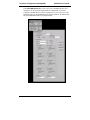
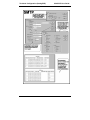
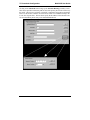
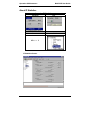
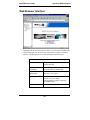
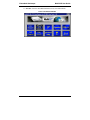
The graphic layout of the web GUI is also somewhat larger-scale than that of
the Windows GUI. For that reason, it’s helpful to use as large of a video
monitor as possible.
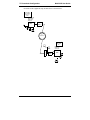
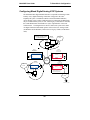
The primary advantage of the web GUI is remote access for control and
configuration. The controller PC and the MultiVOIP unit itself must both be
connected to the same IP network and their IP addresses must be known.
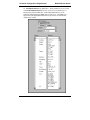
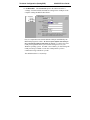
In order to use the web GUI, you must also install a Java application program
on the controller PC. This Java program is included on the MultiVOIP product
CD. ). Java is needed to support drop-down menus and multiple windows in
the web GUI.
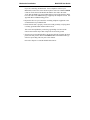
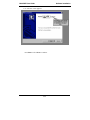
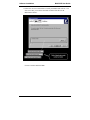
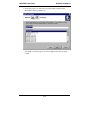
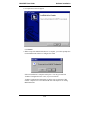
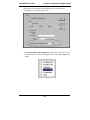
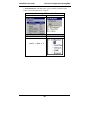
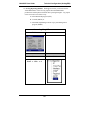
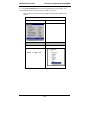
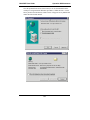
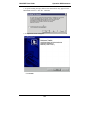
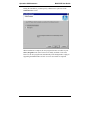
To install the Java program, go to the Java directory on the MultiVOIP
product CD. Double-click on the EXE file to begin the installation. Follow
the instructions on the Install Shield screens.
443