1
Technical Configuration (Analog/BRI)
MultiVOIP User Guide
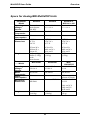
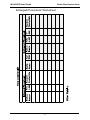
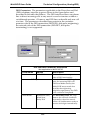
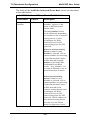
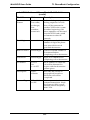
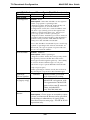
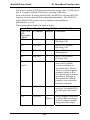
“Regional Parameter” Definitions (cont’d)
Field Name
Values
Description
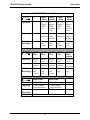
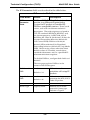
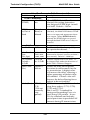
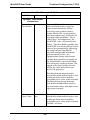
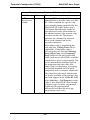
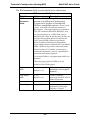
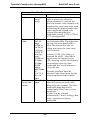
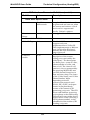
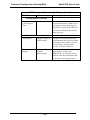
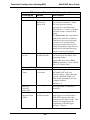
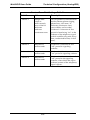
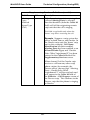
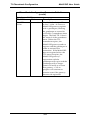
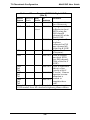
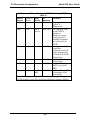
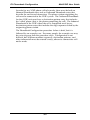
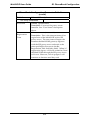
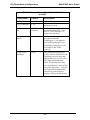
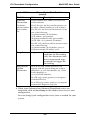
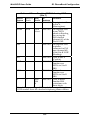
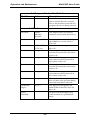
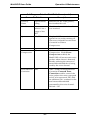
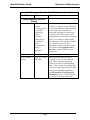
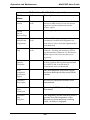
Cadence
(msec) On/Off
Custom
(button)
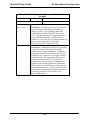
Country
Selection for
Built-In
Modem
(not applicable
to MVP130/130FXS
MVP210,
MVP410ST, or
MVP810ST)
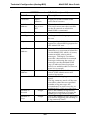
n/n/n/n
four integer time
values in
milli-seconds;
zero value for
dial-tone
indicates
continuous tone
--
country name
276
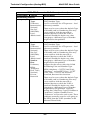
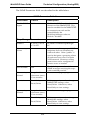
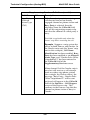
On/off pattern of tone durations
used to denote phone ringing,
phone busy, connection
unobtainable (fast busy), dial tone
(“0” indicates continuous tone),
survivability, and re-order. Default
values differ for different
countries/regions. Although most
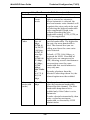
cadences have only two parts (an
“on” duration and an “off”
duration), some telephony
cadences have four parts. Most
cadences, then, are expressed as
two iterations of a two-part
sequence. Although this is
redundant, it is necessary to allow
for expression of 4-part cadences.
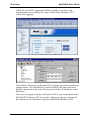
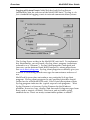
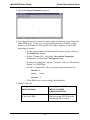
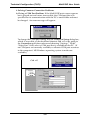
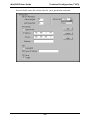
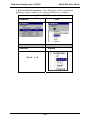
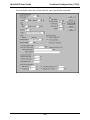
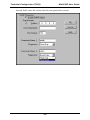
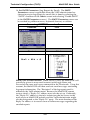
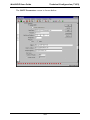
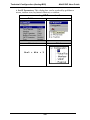
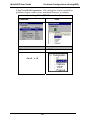
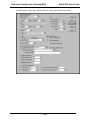
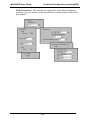
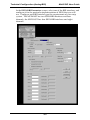
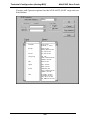
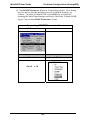
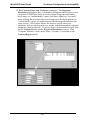
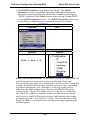
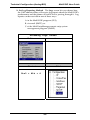
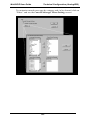
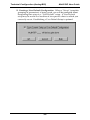
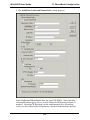
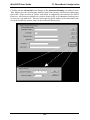
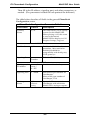
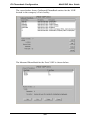
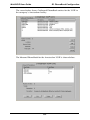
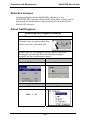
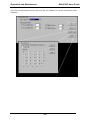
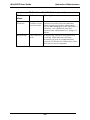
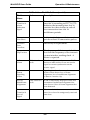
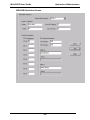
Click on the “Custom” button to
bring up the Custom Tone Pair
Settings screen. (The “Custom”
button is active only when
“Custom” is selected in the
Country/Region field.) This screen
allows the user to specify tone pair
attributes that are not found in any
of the standard national/regional
telephony toning schemes.
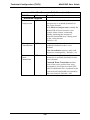
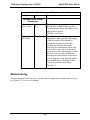
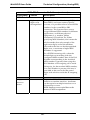
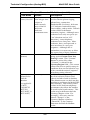
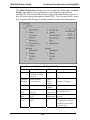
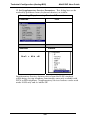
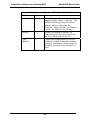
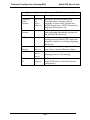
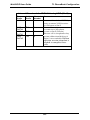
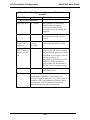
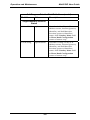
MultiVOIP units operating with
the X.06 software release (and
above) include a built-in modem.
The administrator can dial into this
modem to configure the MultiVOIP
unit remotely. The country name
values in this field set telephony
parameters that allow the modem
to work in the listed country. This
value may be different than the
Country/Region value. For
example, a user may need to
choose “Europe” as the
Country/Region value but
“Denmark” as the CountrySelection-for-Built-In-Modem
value.