1
Saving a User's Logo
81
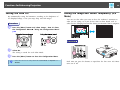
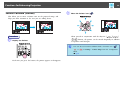
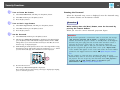
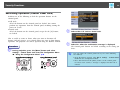
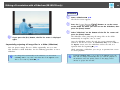
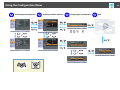
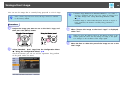
G When the message Save this image as the User's Logo? is
displayed, select Yes.
The image is saved. After the image has been saved, the message
Completed.is displayed.
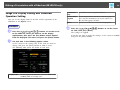
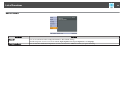
Using the Remote Control
q
Using the Control panel
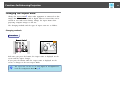
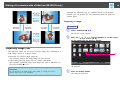
You can save at 400 ^ 300 dots in size.
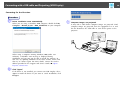
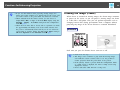
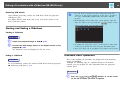
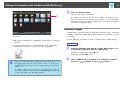
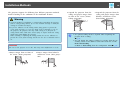
E When Select this image? is displayed, select Yes.
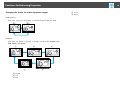
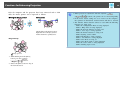
F Select the zoom factor from the zoom setting screen.
q
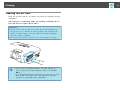
• When a User's Logo is saved, the previous User's Logo is erased.
• Saving the user's logo may take approximately 15 seconds. Do
not use the projector or any connected equipment while it is
saving, otherwise malfunctions may occur.