1
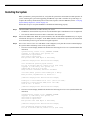
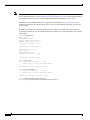
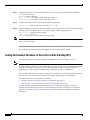
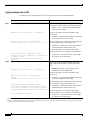
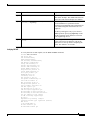
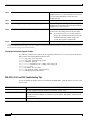
exec-timeout 0 0
history size 40
transport preferred none
transport input none
line aux 0
line vty 0 4
login
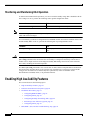
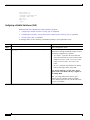
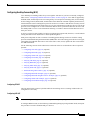
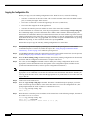
Configuring a Stateful Switchover (SSO)
Each task in the list is identified as either required or optional.
•
Configuring a Stateful Switchover (SSO), page 46 (required)
•
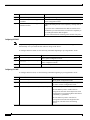
Configuring Frame Relay Autosynchronization LMI Sequence Numbers, page 47 (optional)
•
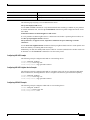
Verifying SSO, page 47 (optional)
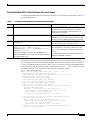
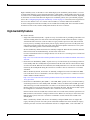
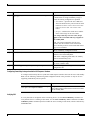
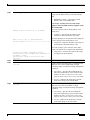
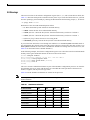
To configure SSO, use the following commands beginning in privileged EXEC mode:
Command
Purpose
Step 1
Router# configure terminal
Enters configuration mode.
Step 2
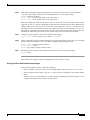
Router(config)# hw-module slot slot-number image
file-spec
Specifies the image to be used by the active RSP at
initialization. If a high-availability image is found,
the running configuration is updated.
•
slot-number—Specifies the active RSP slot
where the Flash memory card is located. Valid
numbers are slot 2 or slot 3 for a Cisco 7507
router or slot 6 or slot 7 for a Cisco 7513
router.
•
file-spec—Indicates the Flash device and the
name of the image on the active RSP.
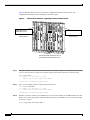
Note: Step 2 and Step 3 are the same; Step 2
applies to the active RSP and Step 3 applies to
the standby RSP.
Note The image indicated by the file-spec
attribute must be available on the local Flash
device. Remote protocols such a TFTP and remote
copy are not available.
46
OL-4923-01 B0