1
Playing discs
Before you start
Basic playback (cont’d)
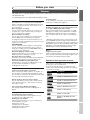
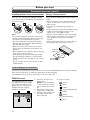
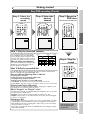
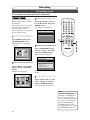
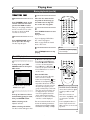
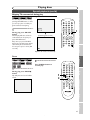
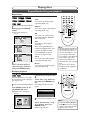
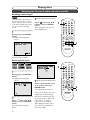
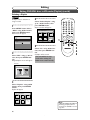
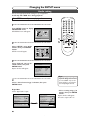
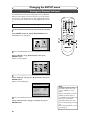
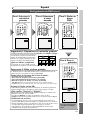
Playing discs using the title menu
DVD-V
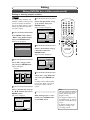
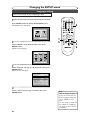
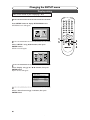
1
If the feature is not available,
may appear on the TV screen.
POWER
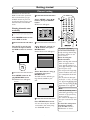
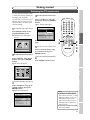
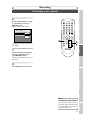
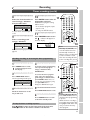
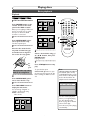
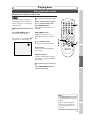
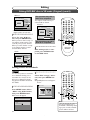
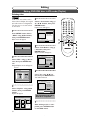
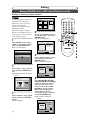
Select a title to play using the
K / L / { / B buttons, then
press ENTER button.
Play will begin at the title you
selected.
CH
REC
MONITOR
TIMER
PROG.
.@/:
1
ABC
2
DEF
3
GHI
4
JKL
5
MNO
6
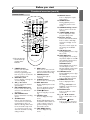
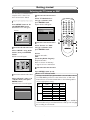
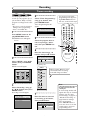
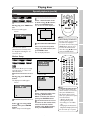
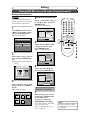
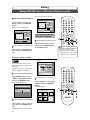
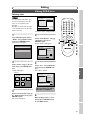
K / L / { / B buttons:
Moves the cursor around screen.
TUV
8
WXYZ
9
CM SKIP
PAUSE
2
SKIP
F
H
G
B
PLAY
REV
FWD
h
g
STOP
C
1
2
3
SETUP
TOP MENU
K
MENU/LIST
ENTER
REPEAT
{
B
RETURN
ZOOM
2
L
Recording
Enter button:
Selects the currently highlighted
menu option.
REC
A
SPACE
0
PQRS
7
REC MODE CLEAR
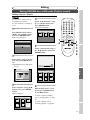
TOP MENU button:
Displays the ‘Title menu’ of a
DVD disc which varies with the
disc.
OPEN/CLOSE
DISPLAY
Getting started
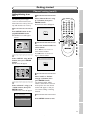
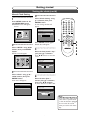
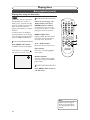
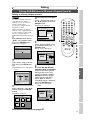
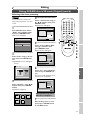
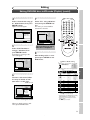
Press TOP MENU button.
The title menu will appear.
2
Connections
Some DVDs have a title menu,
which lists the titles available on
them. It helps you to start play at
a specific title.
Playing discs
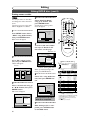
Number buttons:
Selects a numbered menu option
(some discs only). (Press ENTER
button after.)
3
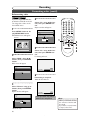
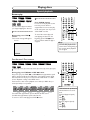
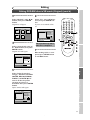
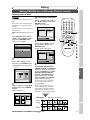
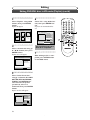
Press TOP MENU button to
exit the title menu.
Editing
Changing the SETUP menu
Others
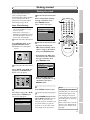
Note
Español
• The TOP MENU button will
not always be active with all
DVDs.
• Menus vary among discs.
Refer to the information
accompanying the disc for
details.
45