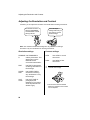
1
4
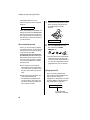
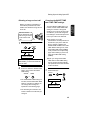
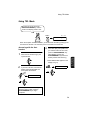
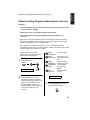
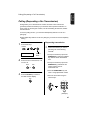
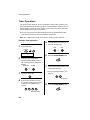
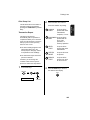
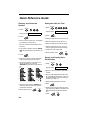
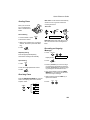
Daylight Saving Time
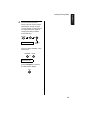
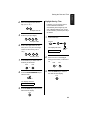
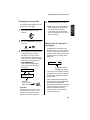
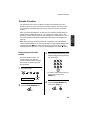
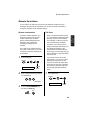
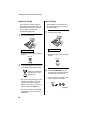
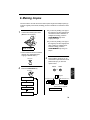
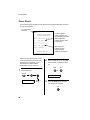
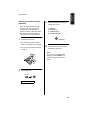
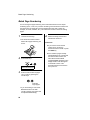
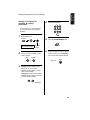
Enter a two-digit number for the
day (“01” to “31”).
0
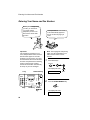
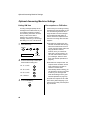
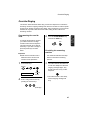
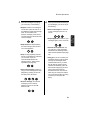
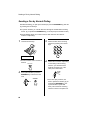
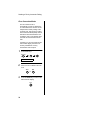
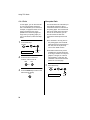
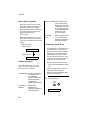
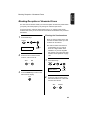
If desired, you can set the clock to
move forward and backward
automatically at the beginning and
end of Daylight Saving Time. To turn
on this function, press the panel keys
as follows:
5
Example: the 5th
5
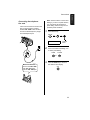
Enter the year (four digits).
2
0
0
1
1
Example: 2001
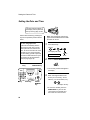
Press these keys:
FUNCTION
3
6
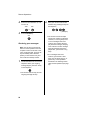
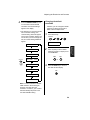
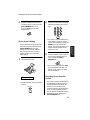
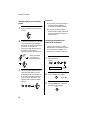
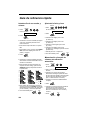
Enter a two-digit number for the
hour (“01” to “12”) and a two-digit
number for the minute (“00” to
“59”).
0
9
2
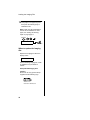
DAY LIGHT SAVING
Press 3
times
5
Example: 9:25
7
The display will show:
2
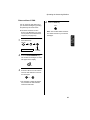
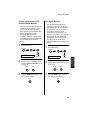
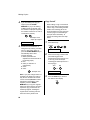
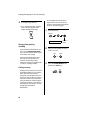
Press the * key to select A.M. or
the # key to select P.M.
P.M.
A.M.
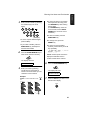
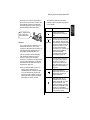
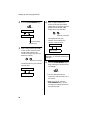
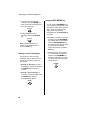
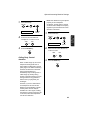
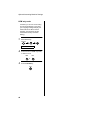
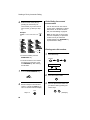
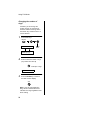
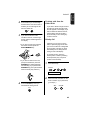
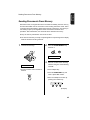
Press 1 to turn on the Daylight
Saving Time function, or 2 to turn it
off.
YES
NO
1
or
2
or
8
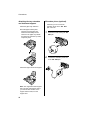
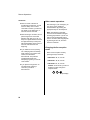
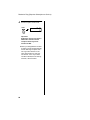
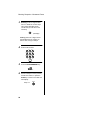
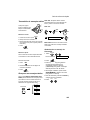
Press the START/MEMORY key to
start the clock.
3
Press the STOP key to return to
the date and time display.
STOP
START/MEMORY
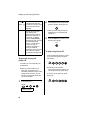
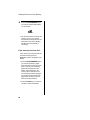
The display will show:
DAY LIGHT SAVING
9
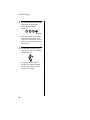
Press the STOP key to return to the
date and time display.
STOP
23
1. Installation
Setting the Date and Time