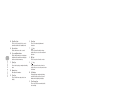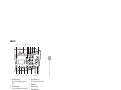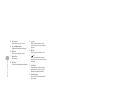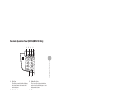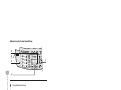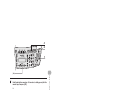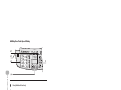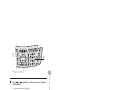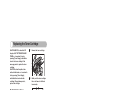
1
5
3
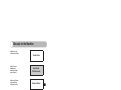
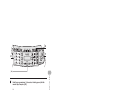
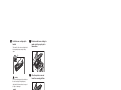
[OK]
3
4
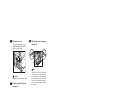
5
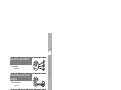
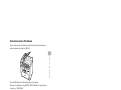
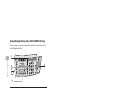
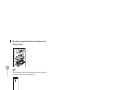
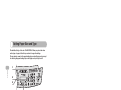
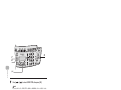
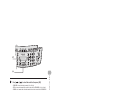
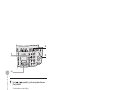
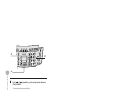
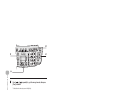
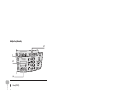
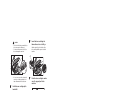
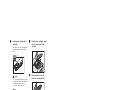
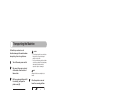
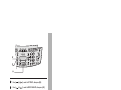
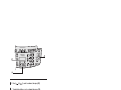
Press [
] or [
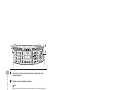
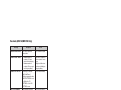
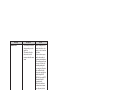
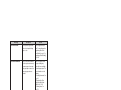
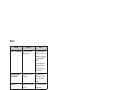
] to select a submenu, then press [OK].
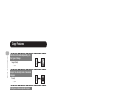
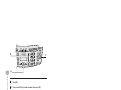
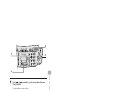
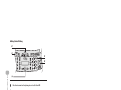
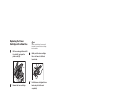
To register the settings or go to a submenu item, press [OK].
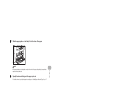
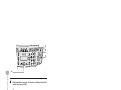
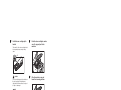
When finished, press [Stop/Reset] to return to the standby mode.
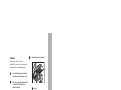
NOTE
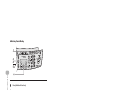
Press [Stop/Reset] to exit from the menu. If you press [Stop/Reset] before pressing [OK], the
setting will not be registered.
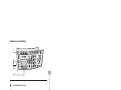
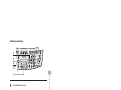
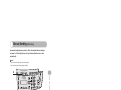
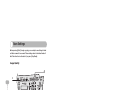
Machine Settings
12-4