1
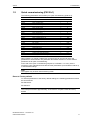
MM420 Parameter List
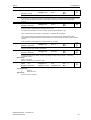
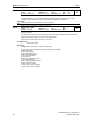
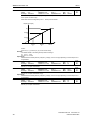
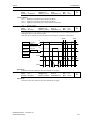
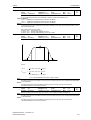
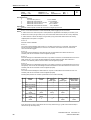
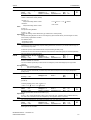
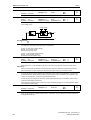
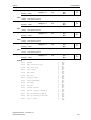
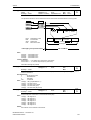
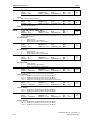
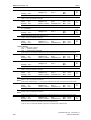
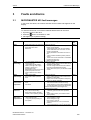
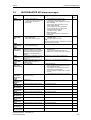
P1036
04/02
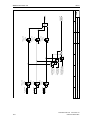
BI: Enable MOP (DOWN-command)
CStat:
CT
P-Group: COMMANDS
Datatype: U32
Active: first confirm
Unit: QuickComm. No
Min:
Def:
Max:
0:0
19:14
4000:0
Level:
Min:
Def:
Max:
-650.00
5.00
650.00
Level:
3
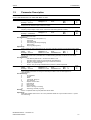
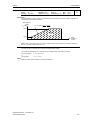
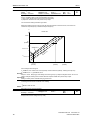
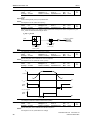
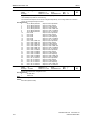
Defines source for motor potentiometer setpoint decrease frequency.
Common Settings:
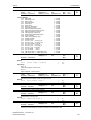
722.0 = Digital input 1 (requires P0701 to be set to 99, BICO)
722.1 = Digital input 2 (requires P0702 to be set to 99, BICO)
722.2 = Digital input 3 (requires P0703 to be set to 99, BICO)
722.3 = Digital input 4 (via analog input, requires P0704 to be set to 99)
19.E
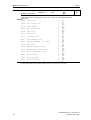
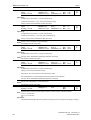
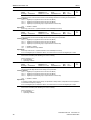
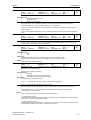
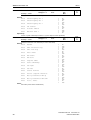
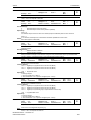
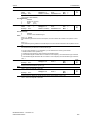
P1040
= MOP down via BOP
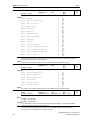
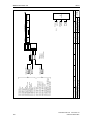
Setpoint of the MOP
CStat:
CUT
P-Group: SETPOINT
Datatype: Float
Active: Immediately
Unit: Hz
QuickComm. No
2
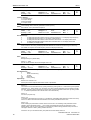
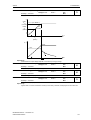
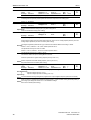
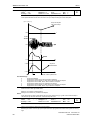
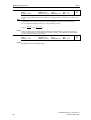
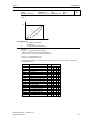
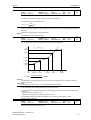
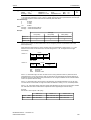
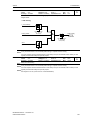
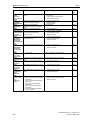
Determines setpoint for motor potentiometer control (P1000 = 1).
Note:
If motor potentiometer setpoint is selected either as main setpoint or additional setpoint, the reverse
direction will be inhibited by default of P1032 (inhibit reverse direction of MOP).
To re-enable reverse direction, set P1032 = 0.
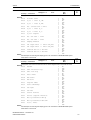
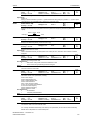
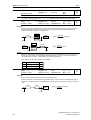
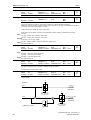
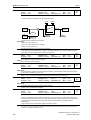
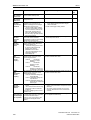
r1050
CO: Act. Output freq. of the MOP
Datatype: Float
Min:
Def:
Max:
Unit: Hz
P-Group: SETPOINT
Level:
-
3
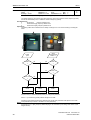
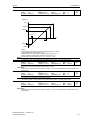
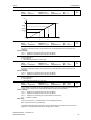
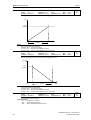
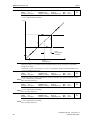
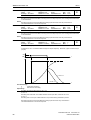
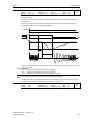
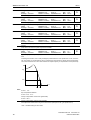
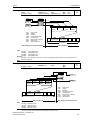
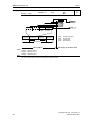
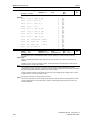
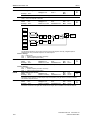
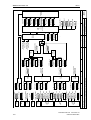
Displays output frequency of motor potentiometer setpoint ([Hz]).
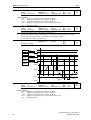
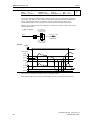
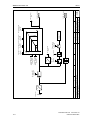
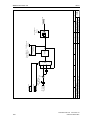
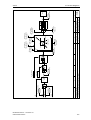
DIN
"1"
P0840
"0"
BOP
USS
BOP link
USS
COM link
CB
COM link
t
"1"
P1035
"0"
t
"1"
P1036
"0"
t
f
P1082
P1080
P1120
t
P1121
-P1080
fact
r1050
-P1082
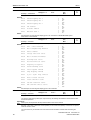
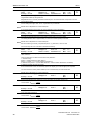
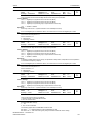
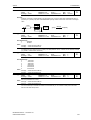
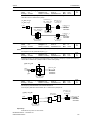
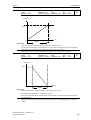
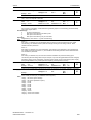
P1055
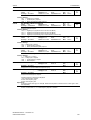
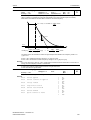
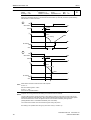
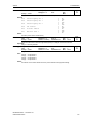
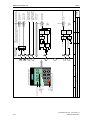
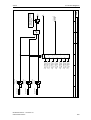
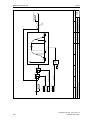
BI: Enable JOG right
CStat:
CT
P-Group: COMMANDS
Datatype: U32
Active: first confirm
Unit: QuickComm. No
Min:
Def:
Max:
0:0
0:0
4000:0
Level:
3
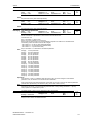
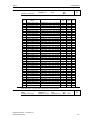
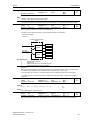
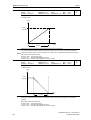
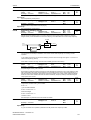
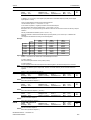
Defines source of JOG right when P0719 = 0 (remote selection of command/setpoint source).
Common Settings:
722.0 = Digital input 1 (requires P0701 to be set to 99, BICO)
722.1 = Digital input 2 (requires P0702 to be set to 99, BICO)
722.2 = Digital input 3 (requires P0703 to be set to 99, BICO)
722.3 = Digital input 4 (via analog input, requires P0704 to be set to 99)
19.8
52
= JOG right via BOP
MICROMASTER 420 Parameter List
6SE6400-5BA00-0BP0