1
AMF Introduction and Configuration
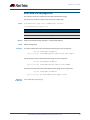
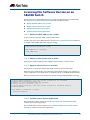
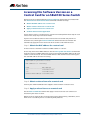
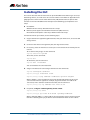
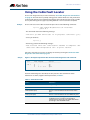
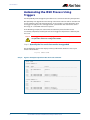
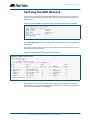
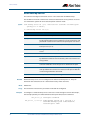
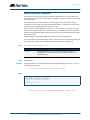
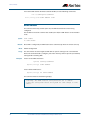
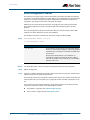
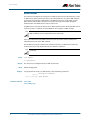
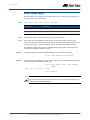
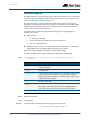
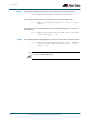
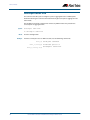
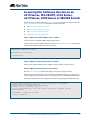
2. Terminate any backup already in process.
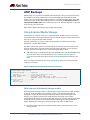
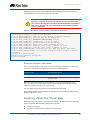
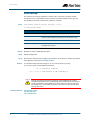
3. Verify that it is safe to remove the media by checking that backups are disabled and
that there are no backups currently in progress.
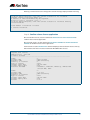
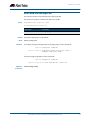
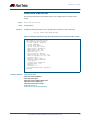
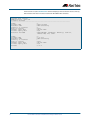
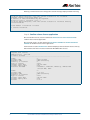
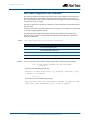
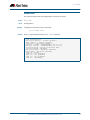
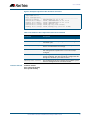
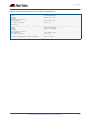
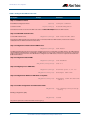
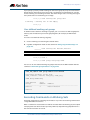
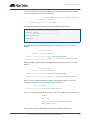
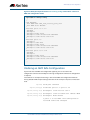
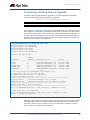
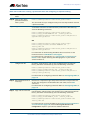
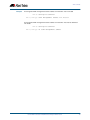
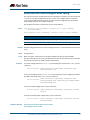
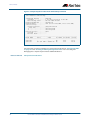
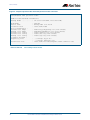
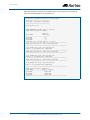
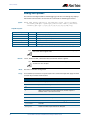
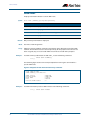
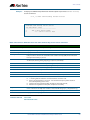
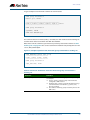
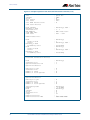
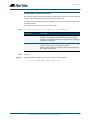
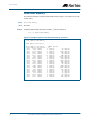
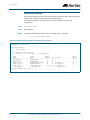
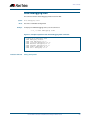
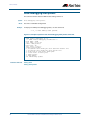
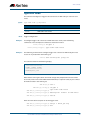
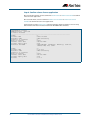
Figure 11: Example of the safe external storage media removal procedure
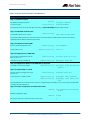
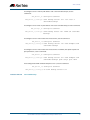
master1#conf t
master1(config)#no atmf backup enable
master1(config)#exit
master1#atmf backup stop
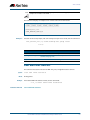
master1#show atmf backup
Scheduled Backup ......
Schedule ............
Next Backup Time ....
Backup Media ..........
Current Action ........
Started .............
Current Node ........
Disabled
1 per day starting at 12:45
25 May 2014 12:45
SD (Total 3827.0MB, Free 3257.1MB)
Idle
-
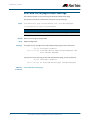
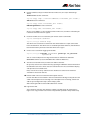
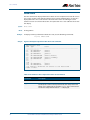
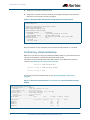
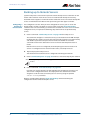
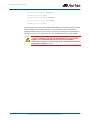
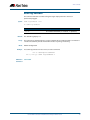
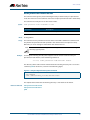
Once the media has been reinstalled, ensure that the backup scheduler is re-enabled.
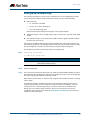
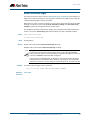
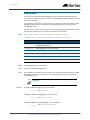
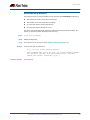
Performing a Manual Backup
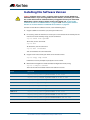
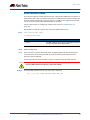
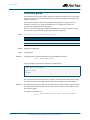
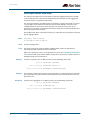
Whenever a new device is physically added to the AMF network as a provisioned node, we
advise that you perform a manual backup from the AMF master.
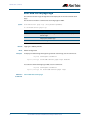
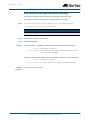
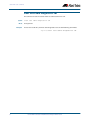
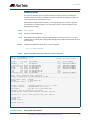
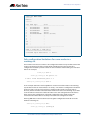
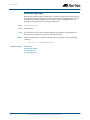
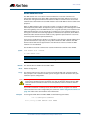
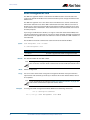
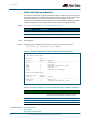
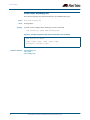
To perform a manual backup of the entire AMF network, on the AMF master enter the
command atmf backup now command on page 168:
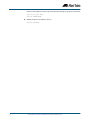
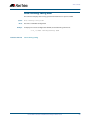
Master1# atmf backup now
Master1(config)# atmf backup enable
Master1(config)# exit
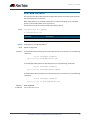
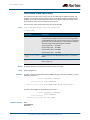
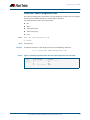
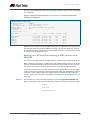
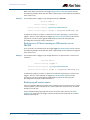
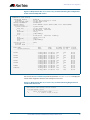
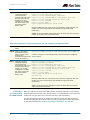
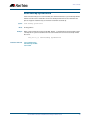
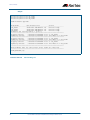
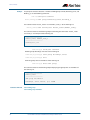
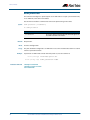
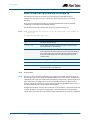
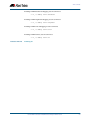
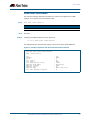
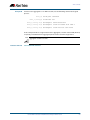
To check the status of the AMF backup use the show atmf backup command on
page 222.
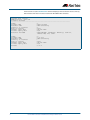
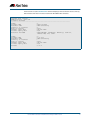
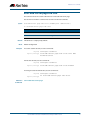
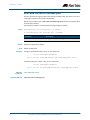
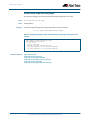
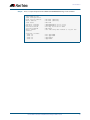
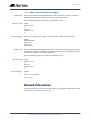
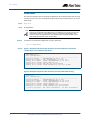
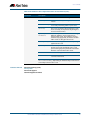
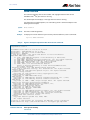
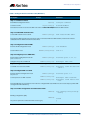
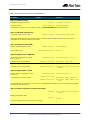
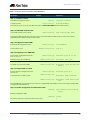
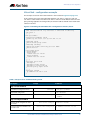
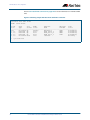
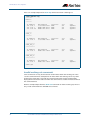
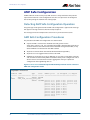
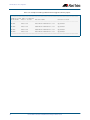
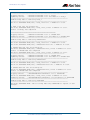
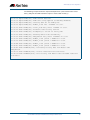
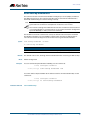
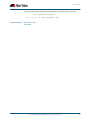
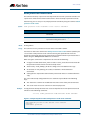
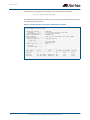
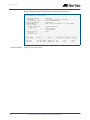
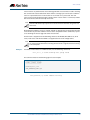
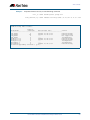
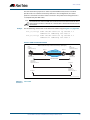
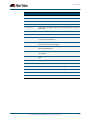
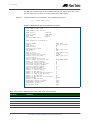
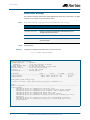
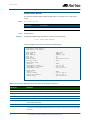
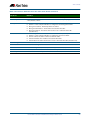
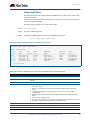
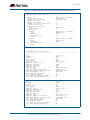
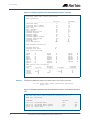
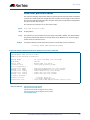
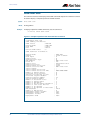
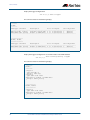
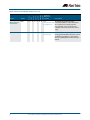
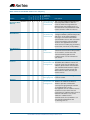
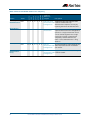
Figure 12: Example output from the show atmf backup command entered during a
backup
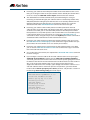
AMF_Master#show atmf backup
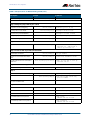
Scheduled Backup ...... Enabled
Schedule ............ 1 per day starting at 03:00
Next Backup Time .... 14 Dec 2013 03:00
Backup Media .......... USB (Total 3692.6MB, Free 1782.7MB)
Current Action ........ Doing manual backup
Started ............. 13 Dec 2012 05:20
Current Node ........ Member1
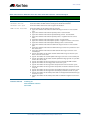
Node Name
Date
Time
In ATMF On Media Status
-----------------------------------------------------------------------------AMF_Master
13 Dec 2012 05:20:16 Yes
Yes
Good
Member1
Yes
Yes
Member2
Yes
No
Member3
Yes
No
Member4
Yes
No
-
138
New and Enhanced Features in AlliedWare Plus 5.4.4 Major and Minor Versions