1
SwitchBlade x8112 Chassis Switch and AT-SBx81CFC960 Card Installation Guide
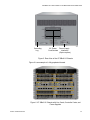
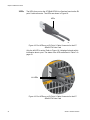
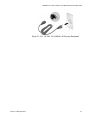
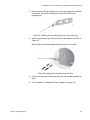
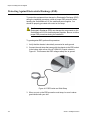
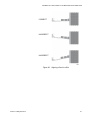
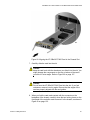
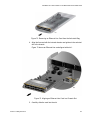
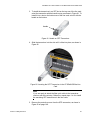
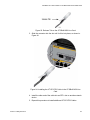
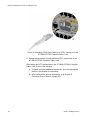
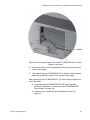
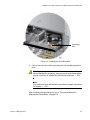
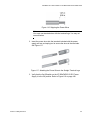
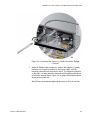
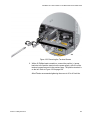
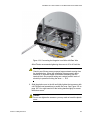
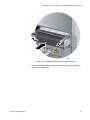
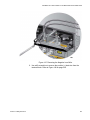
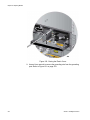
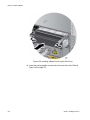
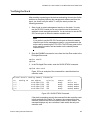
3. Insert one end of the grounding wire into the grounding lug, as shown
in Figure 39, and use a crimping tool to secure the wire to the
grounding lug.
Figure 39. Attaching the Grounding Wire to the Grounding Lug
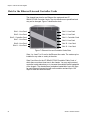
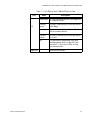
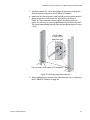
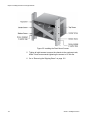
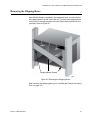
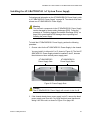
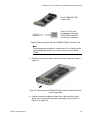
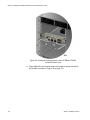
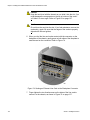
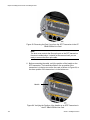
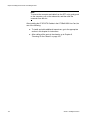
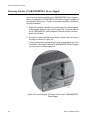
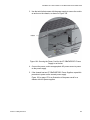
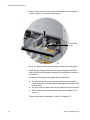
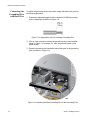
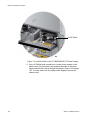
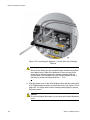
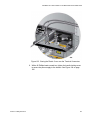
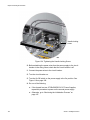
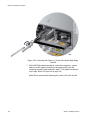
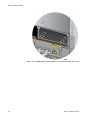
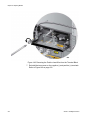
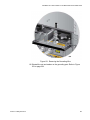
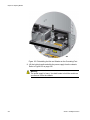
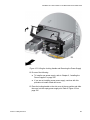
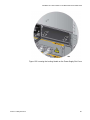
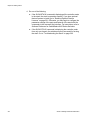
4. Install the grounding lug on the rear panel of the chassis, as shown in
Figure 40.
Allied Telesis recommends tightening the screws to 20 inch-lbs.
Figure 40. Installing the Grounding Lug and Wire
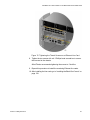
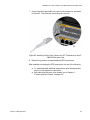
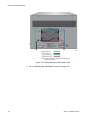
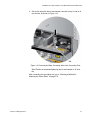
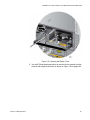
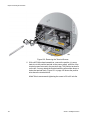
5. Connect the other end of the grounding wire to the building protective
earth.
6. Go to Chapter 6, “Installing the Power Supplies” on page 105.
Section II: Installing the Chassis
103