1
Heatless Regenerative Desiccant Air Dryer
Aircel Programmable Controller
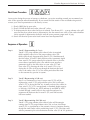
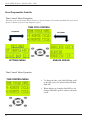
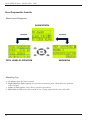
Control Menu Operation
• Push OK to engage the menu
• Scroll to the desired selection and Push OK
CONTROL MENU
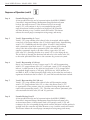
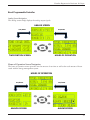
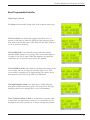
Settings Screen Operation
For use with optional outlet dewpoint display and high humidity alarm.
SETTINGS SCREEN
• To engage, Push OK then scroll to the desired
set point to be changed
• Push OK on the set point to be changed and use
the up or down arrows to change the set point
• Push OK to complete the change and ESC to
de-select the screen. Push ESC again to exit to
the main screen or use the left or right arrows to
scroll to the next screen.
31