1
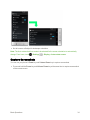
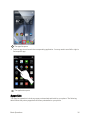
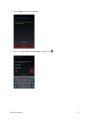
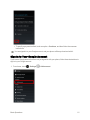
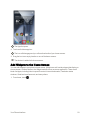
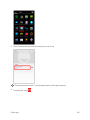
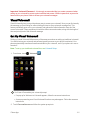
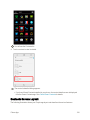
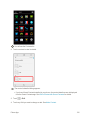
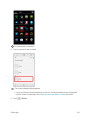
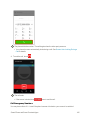
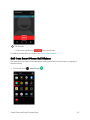
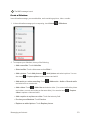
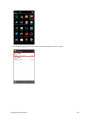
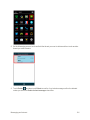
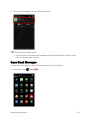
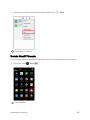
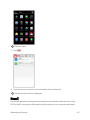
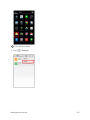
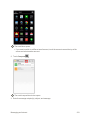
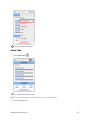
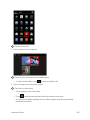
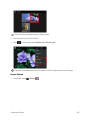
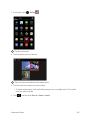
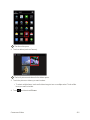
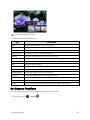
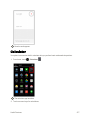
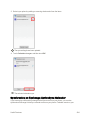
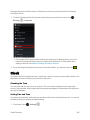
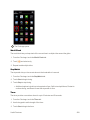
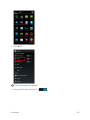
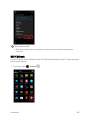
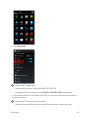
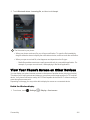
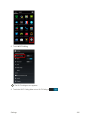
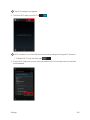
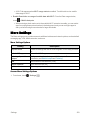
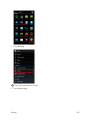
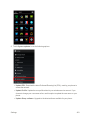
The list of pictures and videos for the album opens.
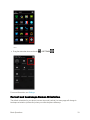
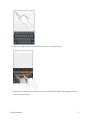
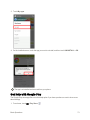
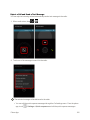
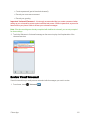
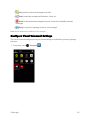
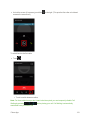
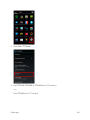
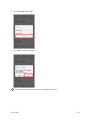
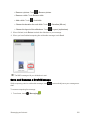
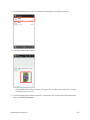
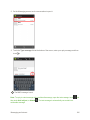
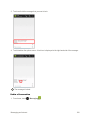
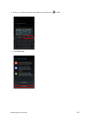
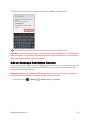
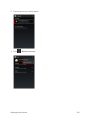
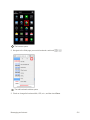
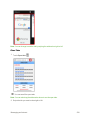
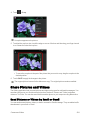
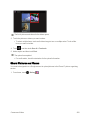
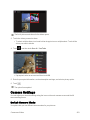
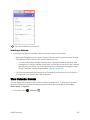
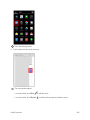
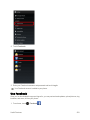
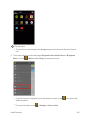
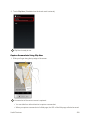
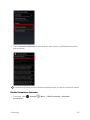
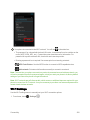
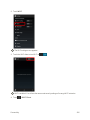
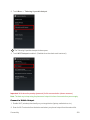
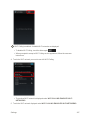
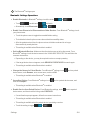
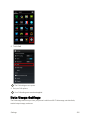
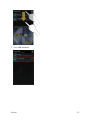
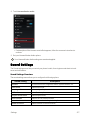
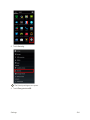
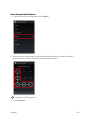
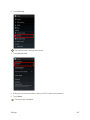
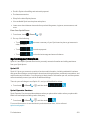
3. Touch the picture you want to rotate.
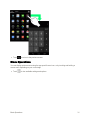
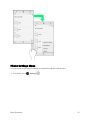
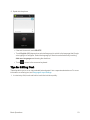
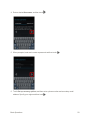
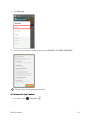
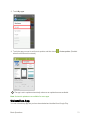
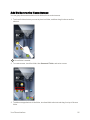
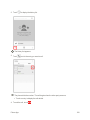
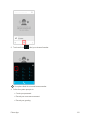
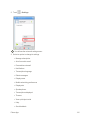
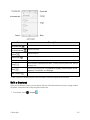
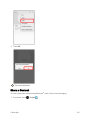
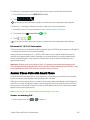
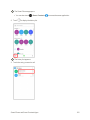
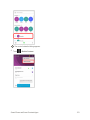
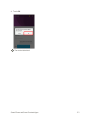
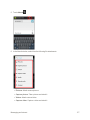
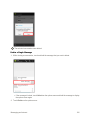
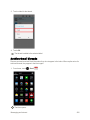
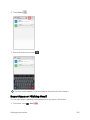
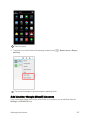
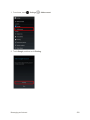
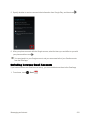
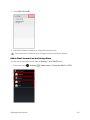
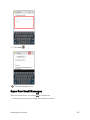
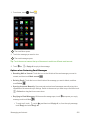
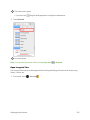
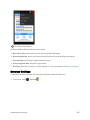
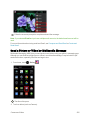
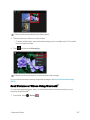
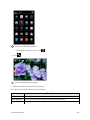
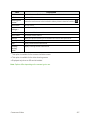
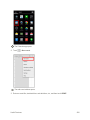
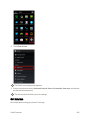
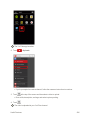
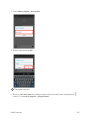
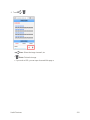
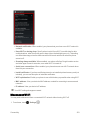
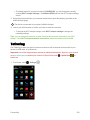
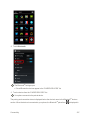
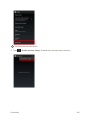
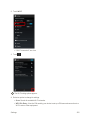
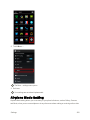
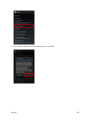
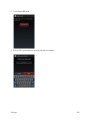
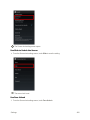
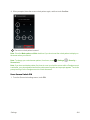
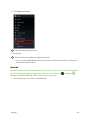
4. Touch and then select either Rotate left or Rotate right.
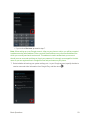
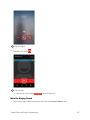
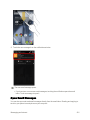
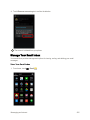
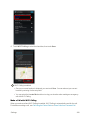
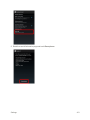
The picture is rotated and saved to the phone or SD card, depending on your settings.
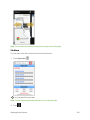
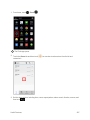
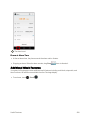
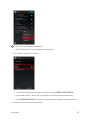
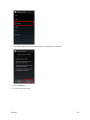
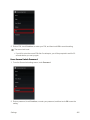
Crop a Picture
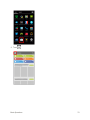
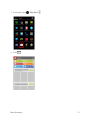
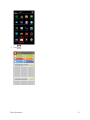
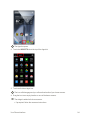
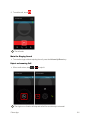
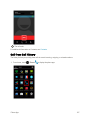
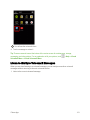
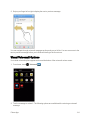
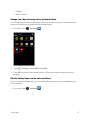
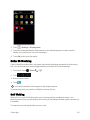
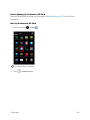
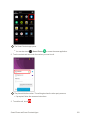
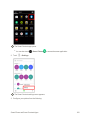
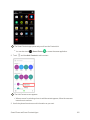
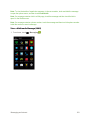
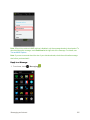
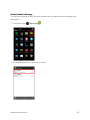
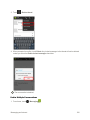
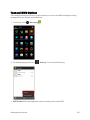
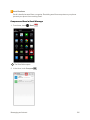
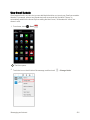
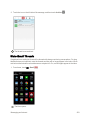
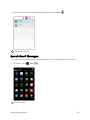
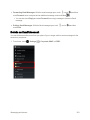
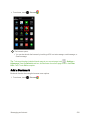
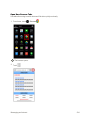
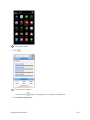
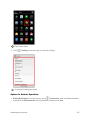
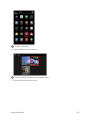
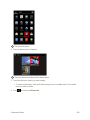
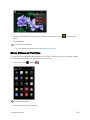
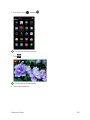
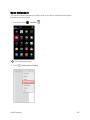
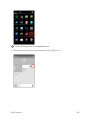
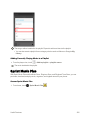
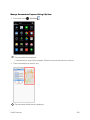
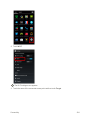
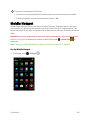
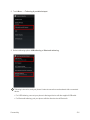
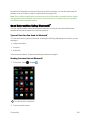
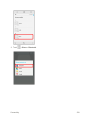
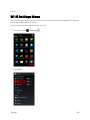
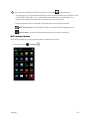
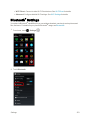
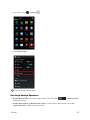
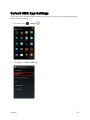
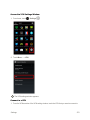
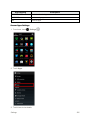
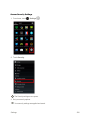
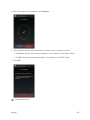
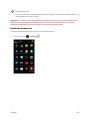
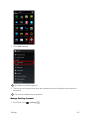
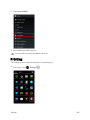
1. From home, touch Camera and Video
> Gallery .
252