1
Installation and Operation Manual
Unite Connectivity Manager
TD 92735EN
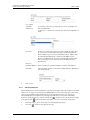
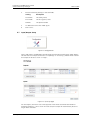
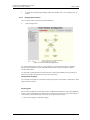
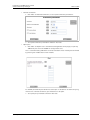
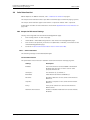
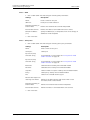
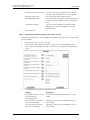
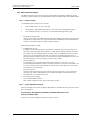
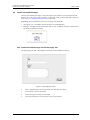
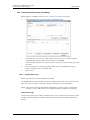
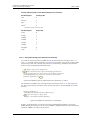
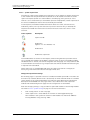
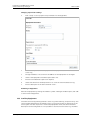
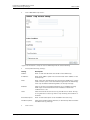
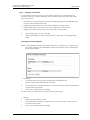
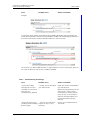
• Data Trigger
1
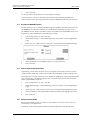
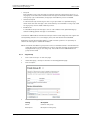
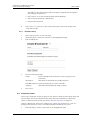
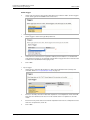
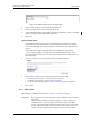
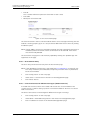
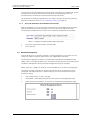
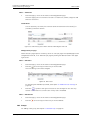
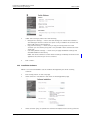
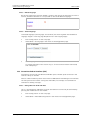
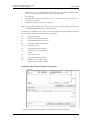
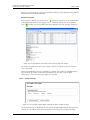
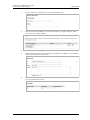
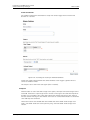
Enter data in the Data text field.
2
If the data is to be sent from a specific handset, enter handset No. in the Number text
field. Leave empty if any handset shall be able to send the data. Note that the
handset must be defined in Messaging Users.
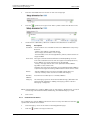
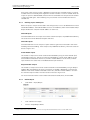
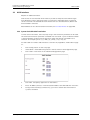
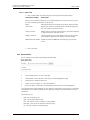
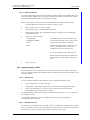
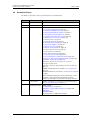
Select Type of Action
1
•
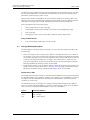
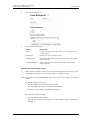
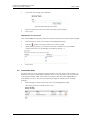
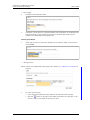
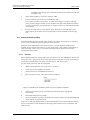
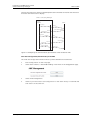
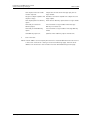
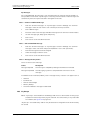
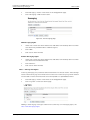
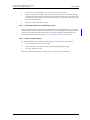
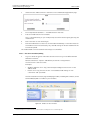
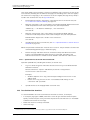
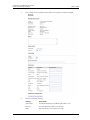
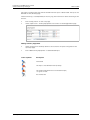
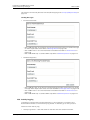
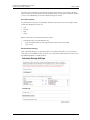
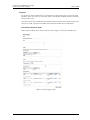
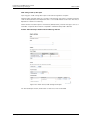
Select type of action in the Actions drop-down list and click “Add”. Several actions
can be added.
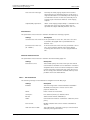
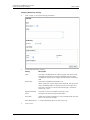
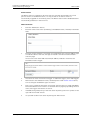
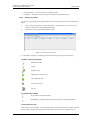
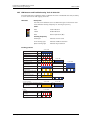
Message Action
NOTE: Call IDs must be defined in Messaging Users. Refer to 4.1 Add Users to Unite CM on
page 19.
1
Do one of the following:
•
•
15 May 2012 / Ver. G
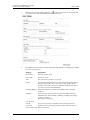
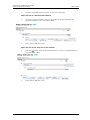
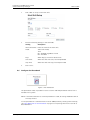
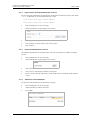
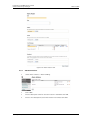
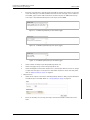
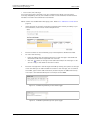
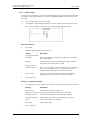
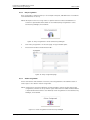
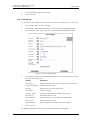
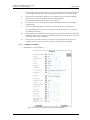
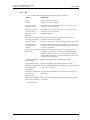
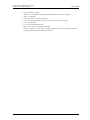
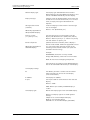
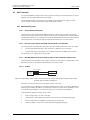
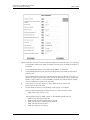
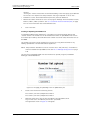
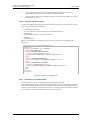
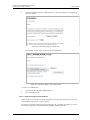
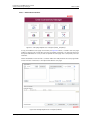
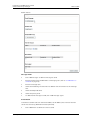
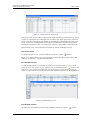
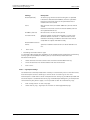
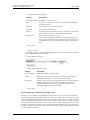
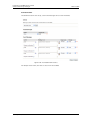
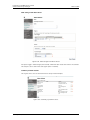
In the Call ID text field, enter the Call ID that should receive the message.
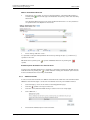
Click the
symbol, to the right of the Call ID text field, if the message is to be
sent as a reply to the sender of the alarm or data.
42