1
Installation and Operation Manual
IMS2
TD 92586GB
15.2 Absence Handling in VoWiFi System
These features requires a valid license.
See also 10.6 Handset Administration on page 89.
15.2.1 List status
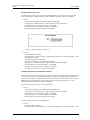
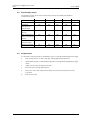
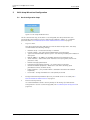
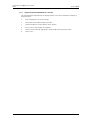
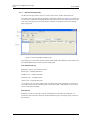
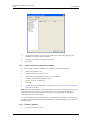
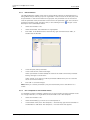
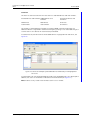
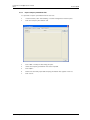
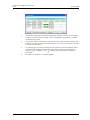
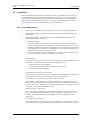
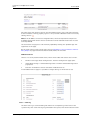
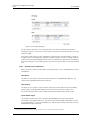
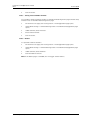
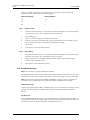
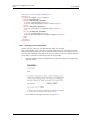
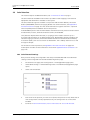
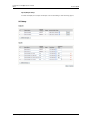
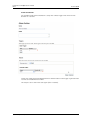
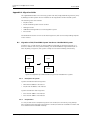
It is possible to create a list of all handsets
1
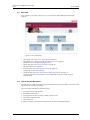
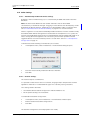
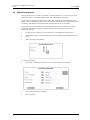
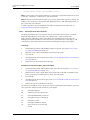
On the IMS2 start page, click “Configuration”. The Configuration page opens.
2
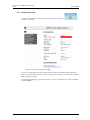
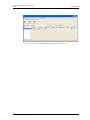
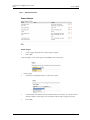
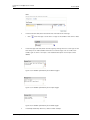
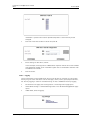
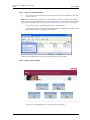
Select WLAN Portables > List All.
3
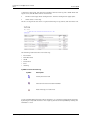
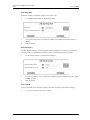
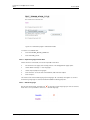
Select "Status" to sort the list on handset status.
15.2.2 Search status
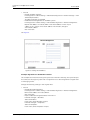
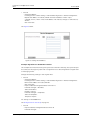
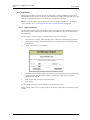
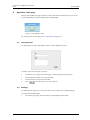
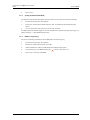
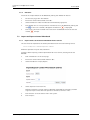
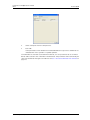
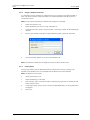
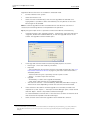
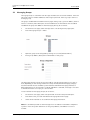
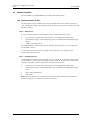
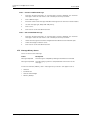
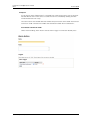
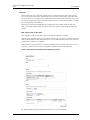
It is possible to search for handsets with selected status.
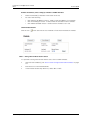
1
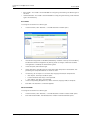
On the IMS2 start page, click “Configuration”. The Configuration page opens.
2
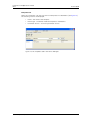
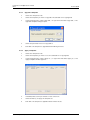
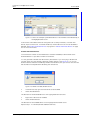
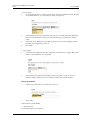
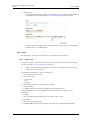
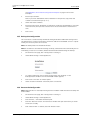
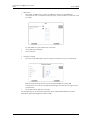
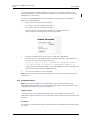
Select WLAN Portables > Search.
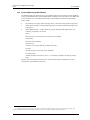
3
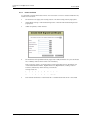
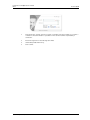
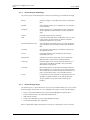
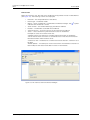
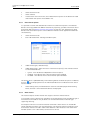
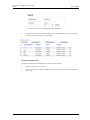
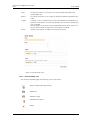
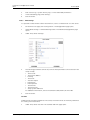
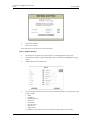
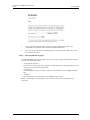
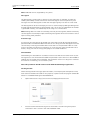
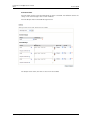
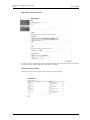
Enter the optional search parameters Address/Number, IP Address, Hardware ID and
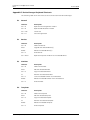
Status. To view absent handsets, select "All absent" or "Manual Absent".
10 January 2011 / Ver. E
131