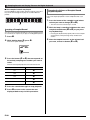
1
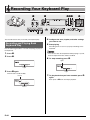
Using Auto Accompaniment
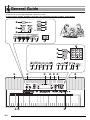
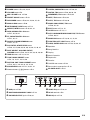
bs
bq
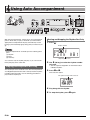
8 9 bk bl bm bn
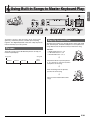
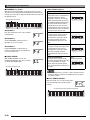
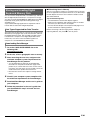
With Auto Accompaniment, simply select an accompaniment
pattern. Each time you play a chord with your left hand the
appropriate accompaniment will play automatically. It’s like
having a personal backup group along with you wherever you
go.
• Auto Accompaniments are made up of the following three
parts.
(1) Rhythm
(2) Bass
(3) Harmony
You can have only the rhythm part play, or you can have all
three parts play at the same time.
bo
cr
ct
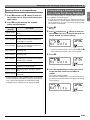
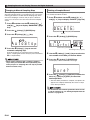
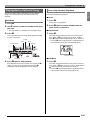
Starting and Stopping the Rhythm Part Only
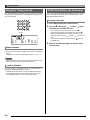
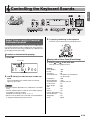
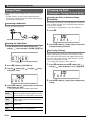
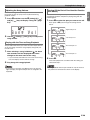
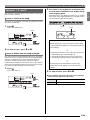
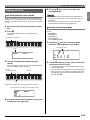
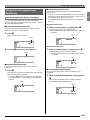
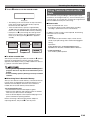
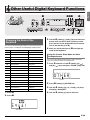
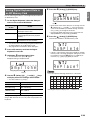
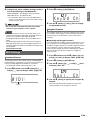
1. Press bq.
Rhythm number
Funk 8B t
Rhythm pattern name
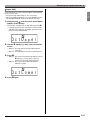
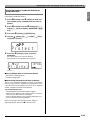
2. Use bs (10-key) to select the rhythm number
you want.
Playing the Rhythm Part Only
The rhythm part is the foundation each Auto Accompaniment.
Your Digital Keyboard comes with a variety of built-in rhythms,
including 8-beat and waltz. Use the following procedure to
play the basic rhythm part.
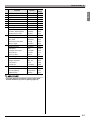
• See the separate “Appendix” for information about
individual rhythms.
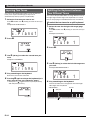
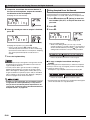
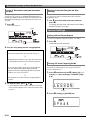
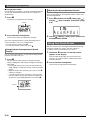
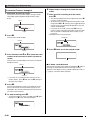
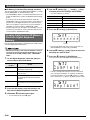
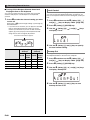
3. Press bm or 9.
This starts the rhythm.
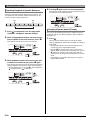
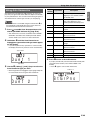
This pattern changes with each beat.
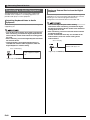
4. Play along with the rhythm.
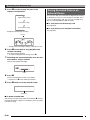
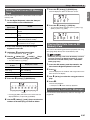
5. To stop the rhythm, press bm again.
E-38