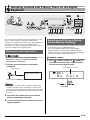
1
Playing Built-in Songs
br
bp
6 7 8 9 bk bl bm
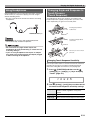
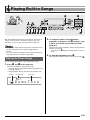
With this Digital Keyboard, built-in tune data is referred to as
“songs”. You can listen to the built-in songs for your own
enjoyment, or you can play along with them for practice.
• In addition to simple listening enjoyment, the built-in songs
can be used with the lesson system (page E-31) for
practice.
• You can increase the number of tunes using your memory
cards (page E-59) or computer (page E-65).
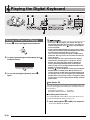
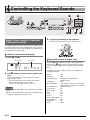
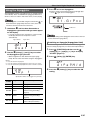
Playing the Demo Songs
ct
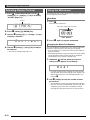
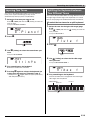
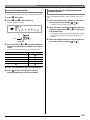
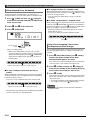
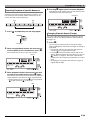
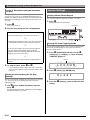
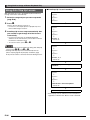
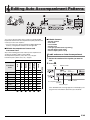
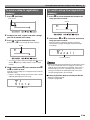
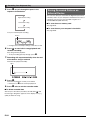
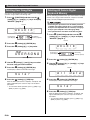
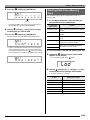
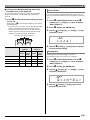
2. To change to another song while demo
br
playback is in progress, use
(10-key) [–] and
[+] keys to enter the song number you want
(page E-7).
This will cause demo playback to jump to the song whose
number you entered.
• You cannot use
(10-key) number buttons to select a
song.
br
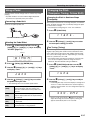
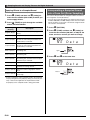
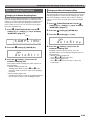
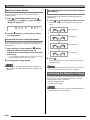
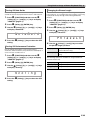
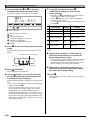
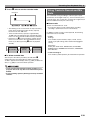
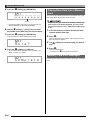
3. To stop demo playback, press bk.
Demo playback continues until you stop it by pressing
bk.
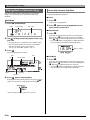
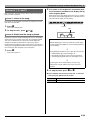
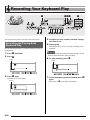
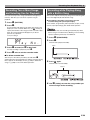
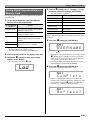
Use the following procedure to play back built-in songs.
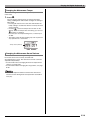
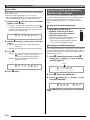
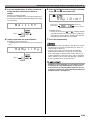
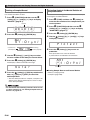
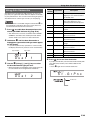
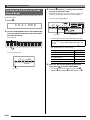
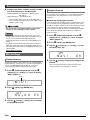
1. Press bk and bl at the same time.
This will start playback of the demo songs.
• See page E-75 for information about song numbers and
the song sequence.
• Demo playback always starts from song number 151.
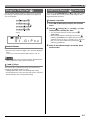
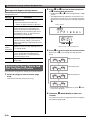
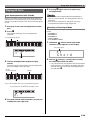
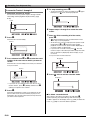
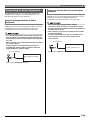
Flashes
Song number
Tune name
Demo T u n e
E-27