1
Recording Your Keyboard Play
Disappears
Using Tracks to Record and Mix
Parts
English
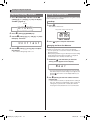
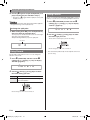
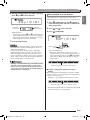
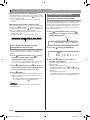
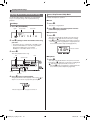
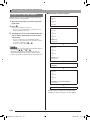
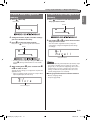
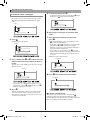
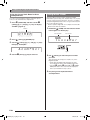
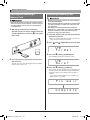
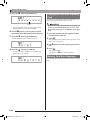
8. Press 3 twice to exit the recorder mode.
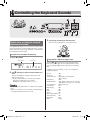
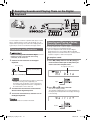
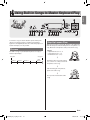
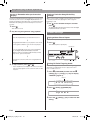
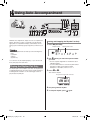
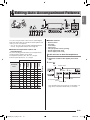
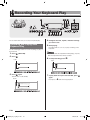
You can divide a song according to various types of parts
(instrument, left and right hand, etc.), and record each part to
a specific track. You can mix up to six tracks (the original
track plus five additional tracks) into a final song.
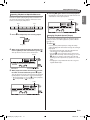
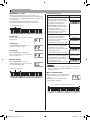
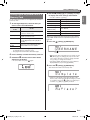
■ About tracks
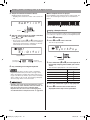
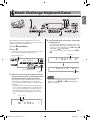
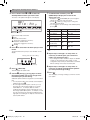
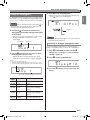
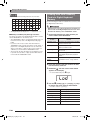
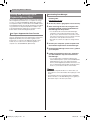
• The flashing on the screen shown in step 3 becomes
faster when remaining recorder memory capacity
becomes less than 100 notes.
• Total recorder memory capacity is approximately
12,000 notes. Recording will stop automatically when
there is no more unused recorder memory remaining.
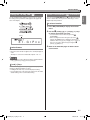
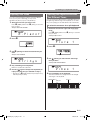
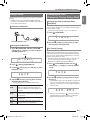
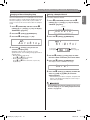
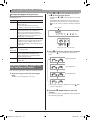
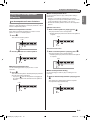
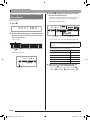
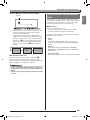
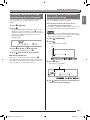
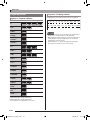
• Each press of 3 cycles through the settings shown
below. You can listen to the recorded data as many
times as you like by pressing bk while in playback
standby.
Playback
Standby
Recorder Off
Record Standby
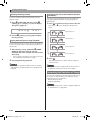
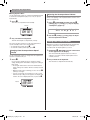
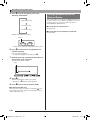
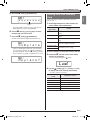
■ To delete recorded data
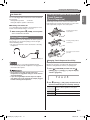
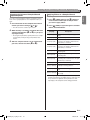
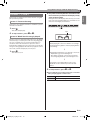
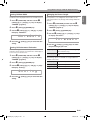
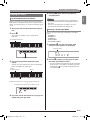
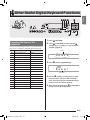
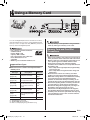
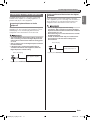
Tracks are numbered from 1 to 6.
• If you do not specify a track number when recording,
recording is performed to Track 1 automatically.
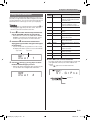
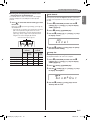
In addition to what you play on the keyboard, the following
information also is recorded.
• Track 1
Settings:
Tone number, rhythm number, tempo, reverb, chorus,
chords, layer/split settings, Auto Harmonize/Arpeggiator
setting
Operations:
Pedal, pitch bend wheel, INTRO button, SYNCHRO/
ENDING button, NORMAL/FILL-IN button, VARIATION/
FILL-IN button
• Tracks 2 through 6
Tone number, pedal operation, pitch bend wheel operation
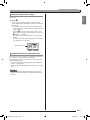
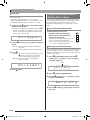
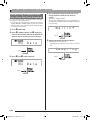
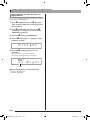
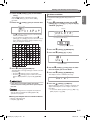
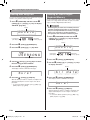
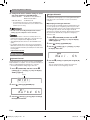
After step 3 of the above procedure, do hold down 3
(without pressing any keyboard key) until the message
“Tr.Del?” appears on the display. Press [+] (YES) to delete the
data, or [–] (NO) to cancel the delete operation.
• Turning off the Digital Keyboard while recording is in
progress will cause any data in recorder memory to be
deleted.
• A new recording replaces (deletes) previously recorded
contents.
E-51
CTK5200_A5_x1a_EN_ES.indd
53
2014/07/24
12:13:20