1
8
Programming a GUIDE GUI
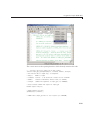
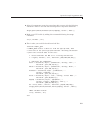
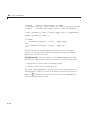
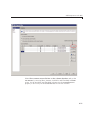
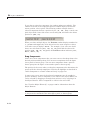
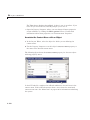
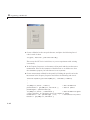
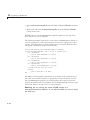
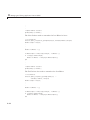
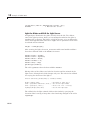
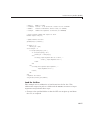
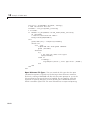
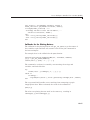
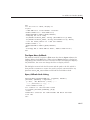
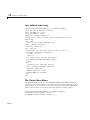
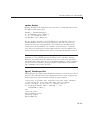
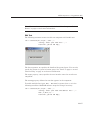
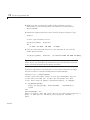
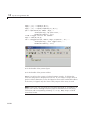
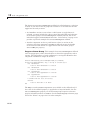
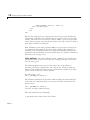
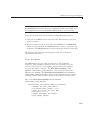
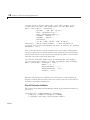
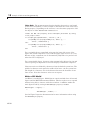
7 Add the following code to the mswamp control’s activex1_Click callback.
This code programs the ActiveX control to change the circle radius when
the user clicks the circle, and updates the label to display the new radius.
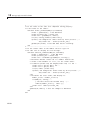
hObject.radius = floor(.9*hObject.radius);
hObject.label = ['Radius = ' num2str(hObject.radius)];
refresh(handles.figure1);
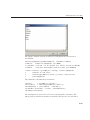
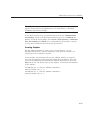
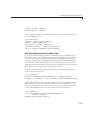
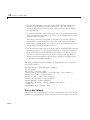
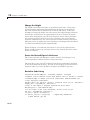
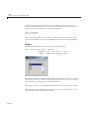
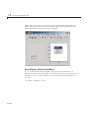
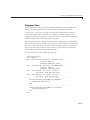
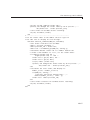
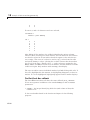
8 Add the following commands to the end of the opening function,
Mwsamp_OpeningFcn. This code initializes the label when you first open
the GUI.
handles.activex1.label = ...
['Radius = ' num2str(handles.activex1.radius)];
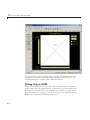
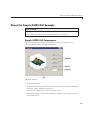
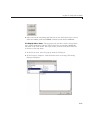
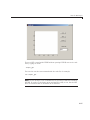
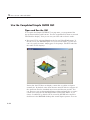
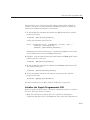
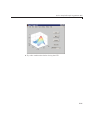
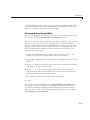
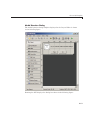
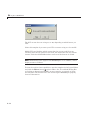
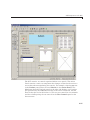
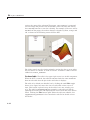
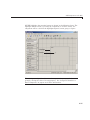
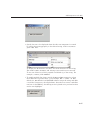
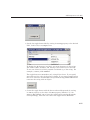
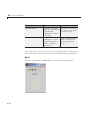
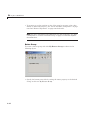
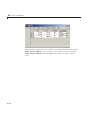
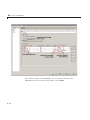
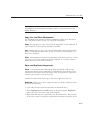
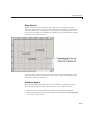
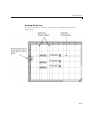
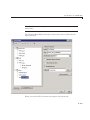
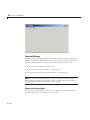
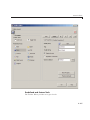
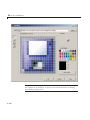
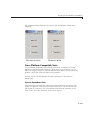
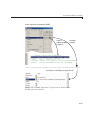
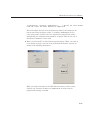
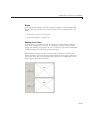
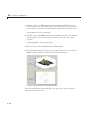
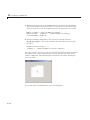
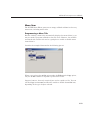
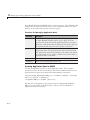
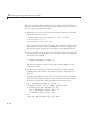
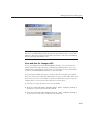
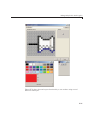
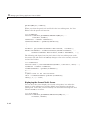
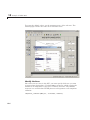
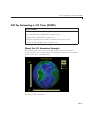
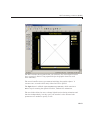
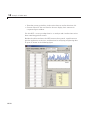
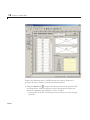
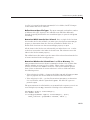
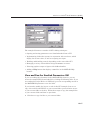
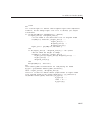
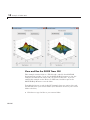
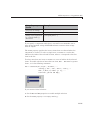
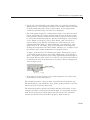
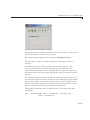
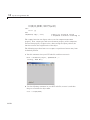
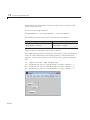
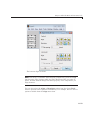
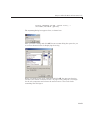
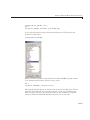
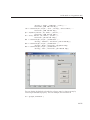
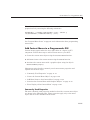
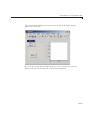
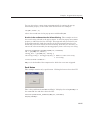
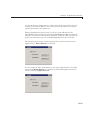
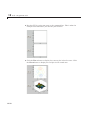
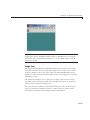
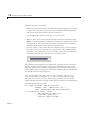
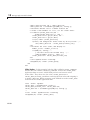
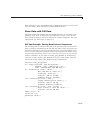
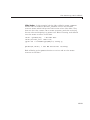
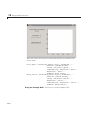
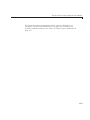
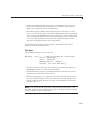
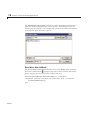
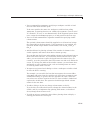
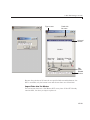
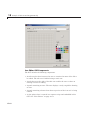
Save the code file. Now, when you open the GUI and click the ActiveX control,
the radius of the circle is reduced by 10 percent and the new value of the
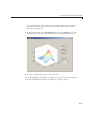
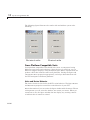
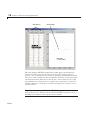
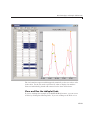
radius is displayed. The following figure shows the GUI after clicking the
circle six times.
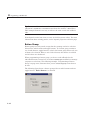
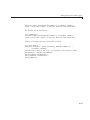
If you click the GUI enough times, the circle disappears.
8-54