1
SETTINGS
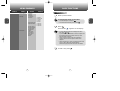
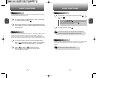
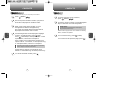
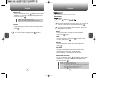
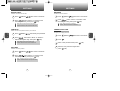
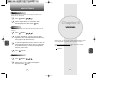
PRL VERSION
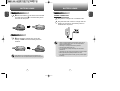
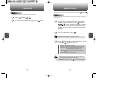
1 Press
[MENU]
.
2 The “PRL version” appears.
3 To return to the previous page, press
Chapter 5
[OK].
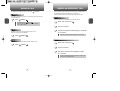
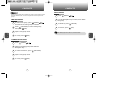
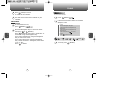
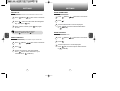
BROWSER
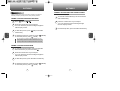
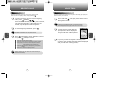
1 Press
[MENU]
VOICEMAIL, TEXT
MESSAGE AND
PICTURE MESSAGE
.
C
H
2 The “Browser” appears.
4
3 To return to the previous page, press
[OK].
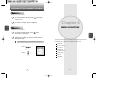
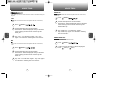
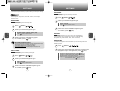
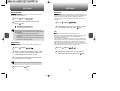
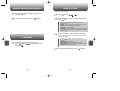
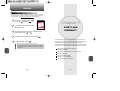
This chapter addresses Voicemail and Text Messaging or Picture
message functions including:
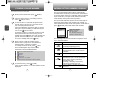
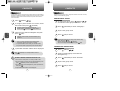
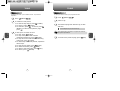
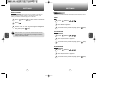
ESN
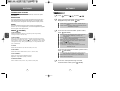
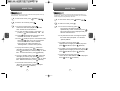
1 Press
[MENU]
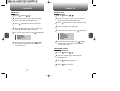
WHEN A NEW MESSAGE ARRIVES
.
VOICEMAIL
2 The “ESN” appears.
SEND TEXT MSG
SEND PICTURE MSG
3 To return to the previous page, press
[OK].
INBOX
VIRGIN ALERTS
OUTBOX
SAVED
ERASE MSGS
MSG SETTINGS
94
95
C
H
5