1
1400VM_060804EN 2006.8.4 10:3 AM 페이지34
DURING A CALL
CHAPTER 4 ENTERING LETTERS, NUMBERS, SYMBOLS
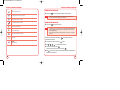
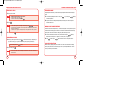
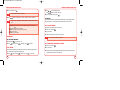
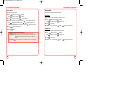
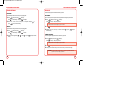
MUTE
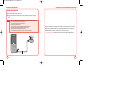
The caller cannot hear you or any sounds from your side but you can still hear them.
1.
Press
[Mute].
• To deactivate, press
[Unmute].
• The phone will automatically unmute in Emergency Call or Callback mode.
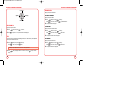
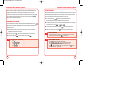
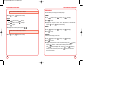
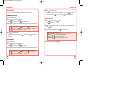
RECENT CALLS
To display the Recent Call menu.
1.
Press
[Options], then press
CHAPTER 4
ENTERING
LETTERS,
NUMBERS,
SYMBOLS
.
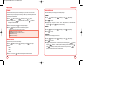
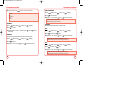
CONTACTS
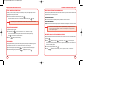
To select the phone number in your internal Contact List.
1.
Press
[Options], then press
.
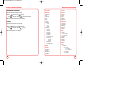
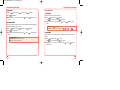
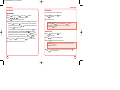
MESSAGING
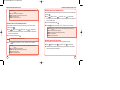
To send a text message during a call:
1.
Press
[Options], then press
.
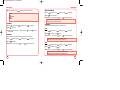
LOCATION
To enable the network to locate your current location through Global Positioning System (GPS).
1.
34
Press
[Options], then press
.
35