1
VOICE TOOL
VOICE TOOL
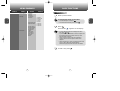
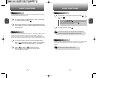
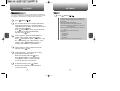
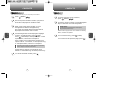
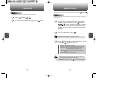
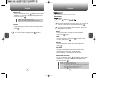
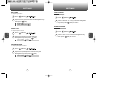
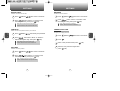
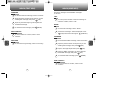
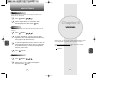
WAKE-UP
TRAIN WORDS
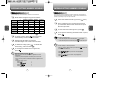
Train allows you to use Control words to make a call without using the
keypad.
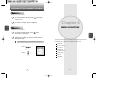
Use to train or untrain the Voice Recognition with the control word,
“Wake-Up”.
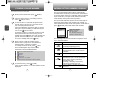
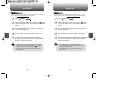
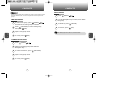
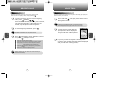
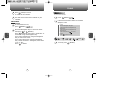
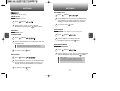
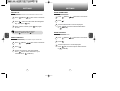
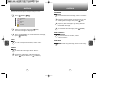
YES
1 Press
Use to train or untrain the Voice Recognition with the control word,
“Yes”.
2 “Please hold phone to ear and follow
1 Press
[MENU]
.
[MENU]
.
instructions” will be displayed and you will hear
“Now training control words. Please say the
word Wake-Up”.
2 “Please hold phone to ear and follow
instructions” will be displayed and you will hear
“Now training control words. Please say the
word yes”.
C
H
4
3 Say “Wake-Up”. You will hear “Again”.
Say “Wake-Up” again. You will hear “Training
was Successful”.
3 Say “Yes”. You will hear “Again”. Say “Yes”
again. You will hear “Training was Successful”.
4
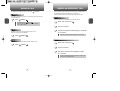
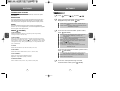
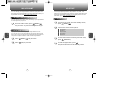
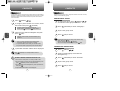
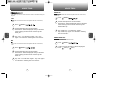
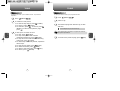
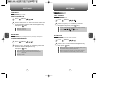
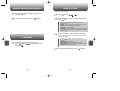
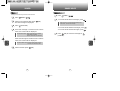
UNDO TRAIN ALL
Undo Train All erases all “trained” words.
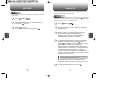
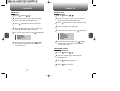
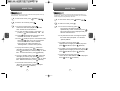
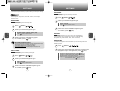
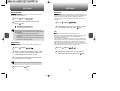
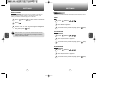
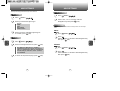
NO
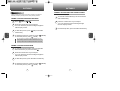
Use to train or untrain the Voice Recognition with the control word,
“No”.
1 Press
[MENU]
.
1 Press
[MENU]
.
2 “Undo all voice trainings?” will be displayed.
Press
[YES] or
[NO].
2 “Please hold phone to ear and follow
instructions” will be displayed and you will hear
“Now training control words. Please say the
word no”.
3 Say “No”. You will hear “Again”. Say “No” again.
You will hear “Training was Successful”.
66
C
H
67