1
Voice
Voice Launch
Voice Launch lets you select the action you wish to take
to launch VoiceSignal.
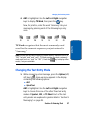
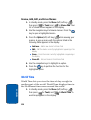
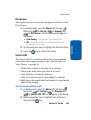
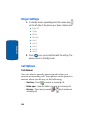
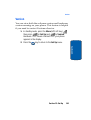
1. In standby mode, press the Menu (left) soft key ( ),
then press
(for Tools),
(for Voice),
(for
Voice Setting), and
for Voice Launch. The
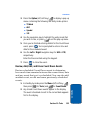
following options appear in the display:
䢇
䢇
䢇
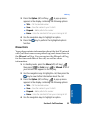
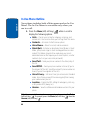
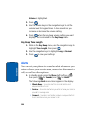
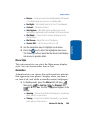
Zero Only? — Only pressing and holding
launches
VoiceSignal.
Zero or Flip? — Pressing and holding
or opening folder
launches VoiceSignal.
Zero or EarMic? — Pressing and holding
or plugging a
headset into the headset jack launches VoiceSignal.
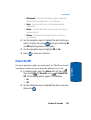
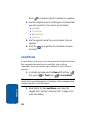
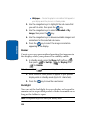
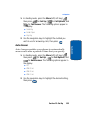
2. Use the navigation keys to highlight the desired setting.
3. Press the OK (left) soft key (
setting.
) to accept the new
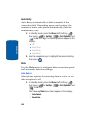
About
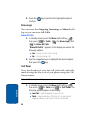
This option causes the About VoiceSignal screen to
appear in the display, showing version and build
information about the VoiceSignal software included on
your phone.
Section 11
Section 11: Tools
121