1
34435
1//1-
»
1
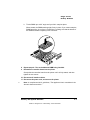
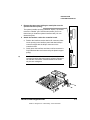
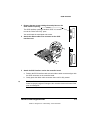
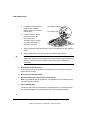
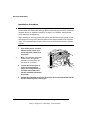
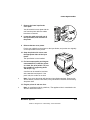
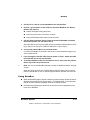
If you have a cable attached to the printer’s parallel port,
unplug it from the printer.
2
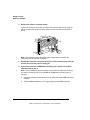
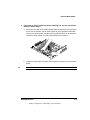
Attach one end of the RJ-11 parallel cable on the Interface
Box to the printer’s parallel port.
Note: The BuzzBox’s ribbon cable is designed to be directly
attached to the printer’s parallel port, not to an adapter or an
additional cable.
!
#
!
$
"
»
"
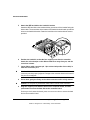
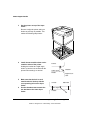
Note: The illustration shows the printer with the duplexer. However, the
instructions are the same for all models.
EDNord - Istedgade 37A - 9000 Aalborg - telefon 96333500