1
Configuring the EF2800
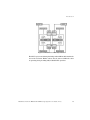
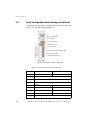
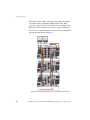
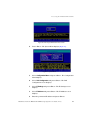
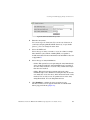
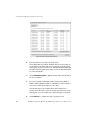
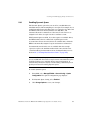
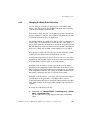
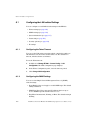
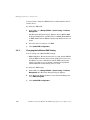
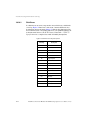
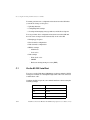
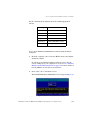
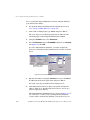
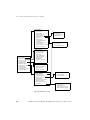
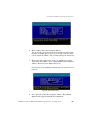
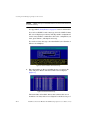
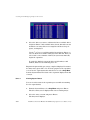
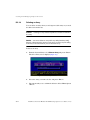
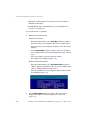
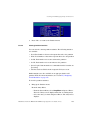
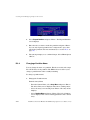
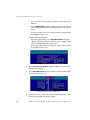
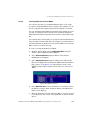
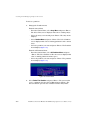
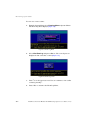
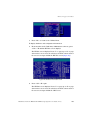
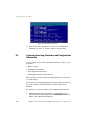
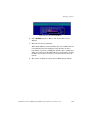
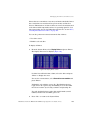
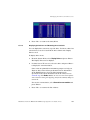
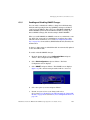
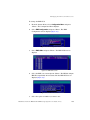
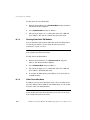
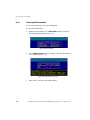
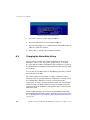
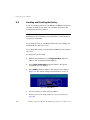
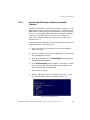
Figure 166. Select Disk Channel Screen
H.6
3.
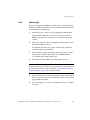
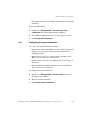
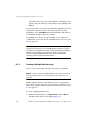
Select the channel you want and press <Enter>.
4.
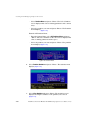
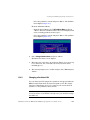
Select the initiator ID you want and press <Enter>.
5.
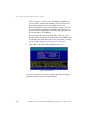
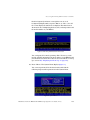
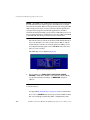
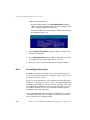
The system prompts you to confirm changes. Select Yes and press
<Enter> to make the changes.
6.
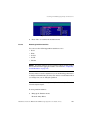
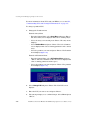
Press <Esc> to return to the Configuration Menu.
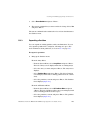
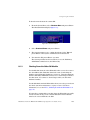
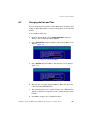
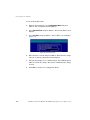
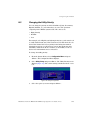
Changing the Alarm Mute Setting
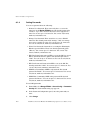
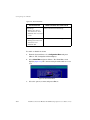
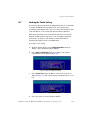
You can enable or disable the audible alarm that sounds when the
EF2800 becomes too hot, detects low or high voltage, or an array
becomes critical or offline. Changing the mute setting lets you turn off
the alarm when it is sounding. You should turn it back on after resolving
the problem.
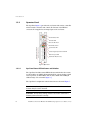
You can also use the Mute button on the EF2800 Ops Panel to turn off
the alarm when it sounds.
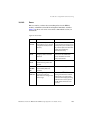
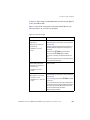
The alarm sounds for temperature or voltage conditions (events).
Warning events are generated when the temperature or voltage enters
the warning range. Shutdown events are generated when the
temperature or voltage enters the shutdown range. After reaching the
shutdown range, the EF2800 will not function. You must resolve the
problem and restart the EF2800. If the problem is not resolved, it will
shut down again.
Alarm conditions trigger an event message that displays in the Disk
Array Administrator software window and in the event log. See section
E.5, "Capturing Event Log, Hardware, and Configuration Information"
on page 270.
308
DataDirect Networks EF2800 FC RAID Storage System User Guide (V 1.0)