1
Creating and Managing Arrays & Partitions
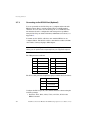
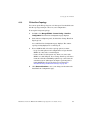
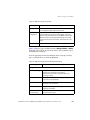
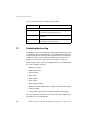
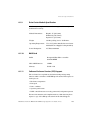
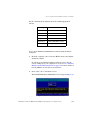
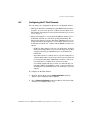
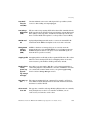
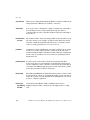
• Write-back caching: Status of the write-back cache (enabled or
disabled) for this array.
• InfoShield Type: Type of InfoShield set up on the partition. See
section D.3.8 on page 250.
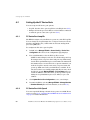
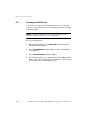
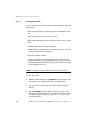
To view the status of a partition:
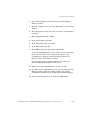
1.
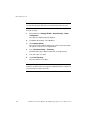
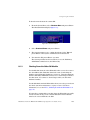
Bring up the Partition menu.
From the Array menu:
- From the System Menu, select Array Menu and press <Enter>.
The Select Array screen displays with a list of existing arrays.
- Select the array you want and press <Enter>. The array menu
displays.
- Select Partition Menu and press <Enter>. The Select Partition
screen displays with a list of existing partitions for the current
array.
- Select the partition you want and press <Enter>.
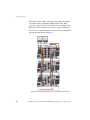
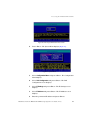
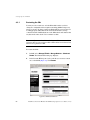
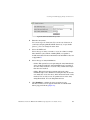
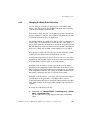
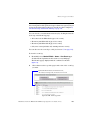
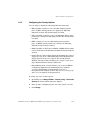
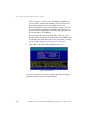
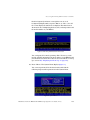
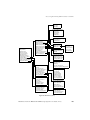
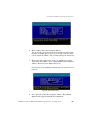
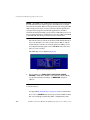
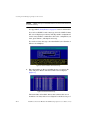
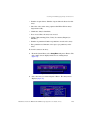
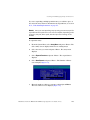
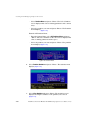
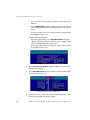
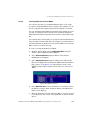
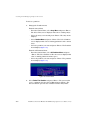
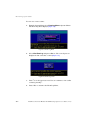
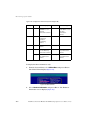
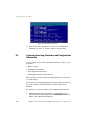
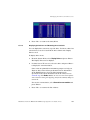
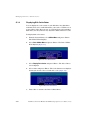
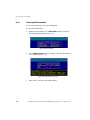
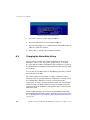
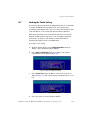
The partition menu displays (Figure 118).
From the All Partitions Menu:
- From the System Menu, select All Partitions Menu and press
<Enter>. The Select Partition or Free Area screen displays with
a list of existing partitions and free space.
- Select the partition you want and press <Enter>. The Partition
menu displays (Figure 118).
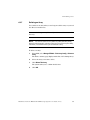
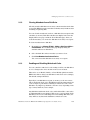
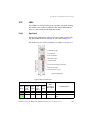
Figure 118. Partition Menu
2.
238
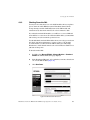
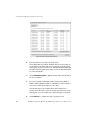
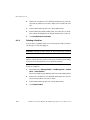
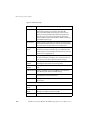
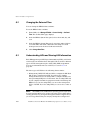
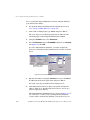
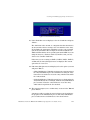
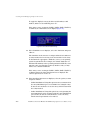
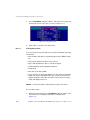
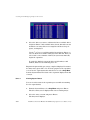
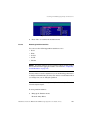
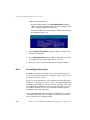
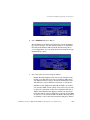
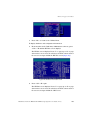
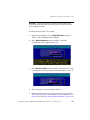
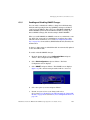
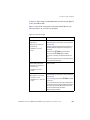
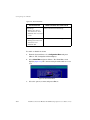
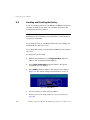
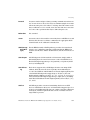
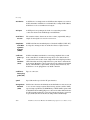
Select Partition Status and press <Enter>. The status screen
displays showing the status of the partition you selected
(Figure 119).
DataDirect Networks EF2800 FC RAID Storage System User Guide (V 1.0)