1
SISTORE RemoteView
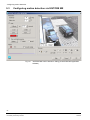
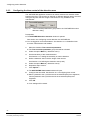
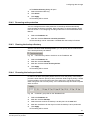
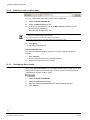
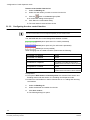
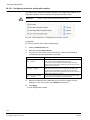
26.15.3 Defining the detection area (mask)
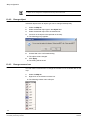
Prerequisite:
z The SISTORE MX application software is in display mode. See Section 4.1.1
895H
Display mode.
896H
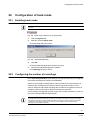
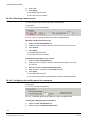
1.
Set up a connection to the server. See Section 26.9.4 Connecting to
SISTORE MX.
2.
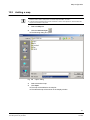
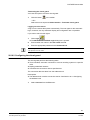
Select Configuration... in the Administration menu.
3.
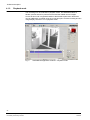
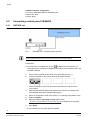
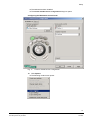
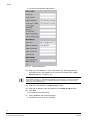
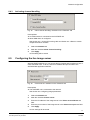
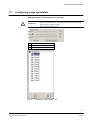
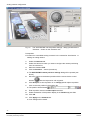
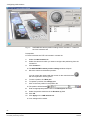
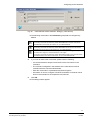
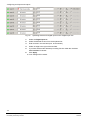
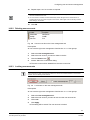
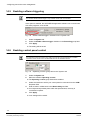
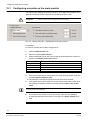
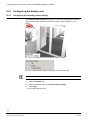
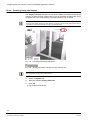
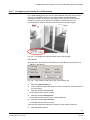
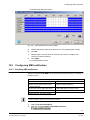
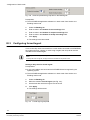
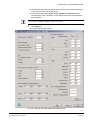
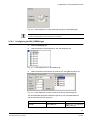
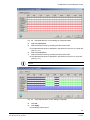
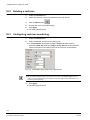
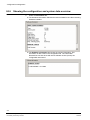
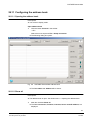
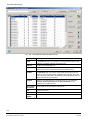
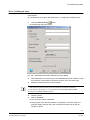
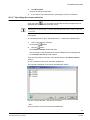
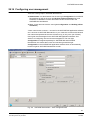
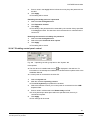
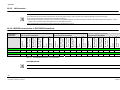
You can generate and change the detection area of cameras via remote
configuration. The drawing of the detection area is performed as in the
SISTORE MX application software. See Section 9.3.2 Defining the detection
area (mask).
897H
89H
89H
90H
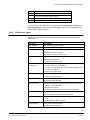
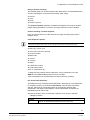
z The pencil drawing tool is not available.
z If the camera is not in operation, the mask will be shown in a gray window. You can still draw the
mask, but this leads to a very inexact result.
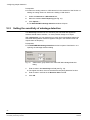
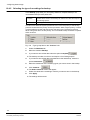
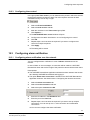
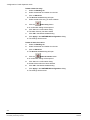
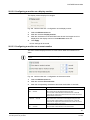
26.15.4 Setting image quality
Prerequisite:
z The SISTORE MX application software is in display mode. See Section 4.1.1
901H
Display mode.
902H
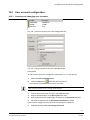
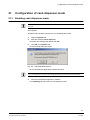
1.
Set up a connection to the server. See Section 26.9.4 Connecting to
SISTORE MX.
2.
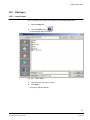
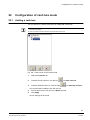
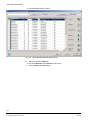
Select Configuration... in the Administration menu.
3.
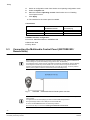
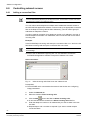
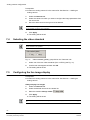
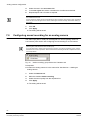
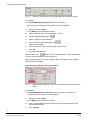
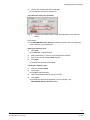
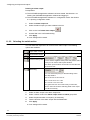
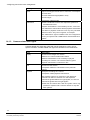
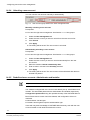
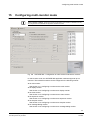
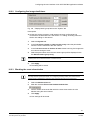
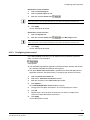
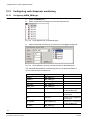
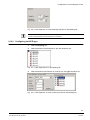
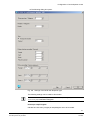
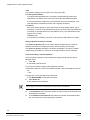
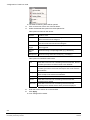
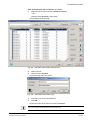
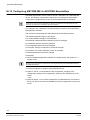
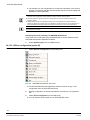
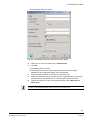
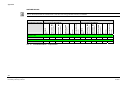
You can generate and change the image quality of the cameras via remote
configuration.
903H
904H
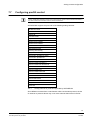
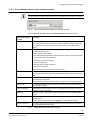
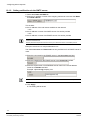
z If you have not selected an image quality, the default quality (LAN) of the system will be used.
z There is no feedback from the system regarding detected motions (graphics, audio signals, signal
lamp).
261
Siemens Building Technologies
Fire Safety & Security Products
02.2009