1
Installation
6.5
Updating SISTORE MX NVS and RemoteView software
6.5.1
From version 2.5x to version 2.80
If you upgrade to a newer version of the program, the parameters of the previous version will be saved
automatically.
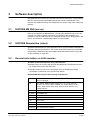
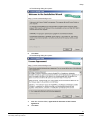
1.
Start either SISTORE_MX_NVS_280.exe or
SISTORE_MX_ RemoteView_280.exe.
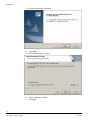
2.
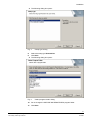
Answer Next and/or Finish in the subsequent dialogs.
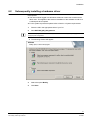
3.
Confirm that you want to delete the old version.
Î
6.5.2
The new version will now be installed.
4.
If necessary, delete the old \CEVIS or \SIEMENS directory manually.
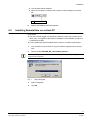
5.
Select Start > Programme > SISTORE MX NVS or Start > Programs >
SISTORE RemoteView to start the desired program.
From version 2.6x and higher to version 2.80
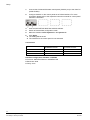
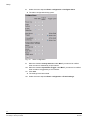
1.
Start either SISTORE_MX_NVS_280.exe or
SISTORE_MX_ RemoteView_280.exe.
2.
Answer Next and/or Finish in the subsequent dialogs.
Î
The new version is now installed.
22
Siemens Building Technologies
Fire Safety & Security Products
03.2009