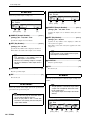
1
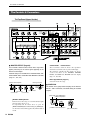
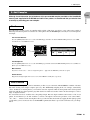
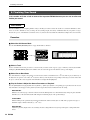
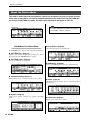
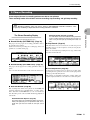
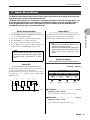
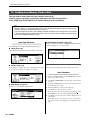
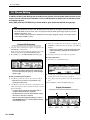
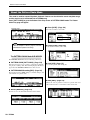
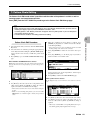
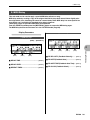
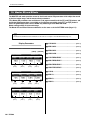
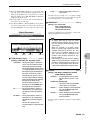
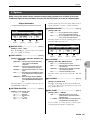
7. Pattern Chain Editing
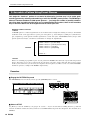
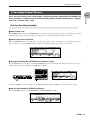
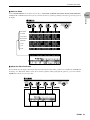
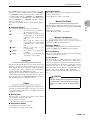
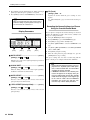
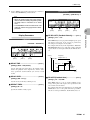
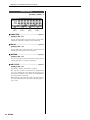
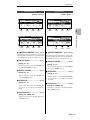
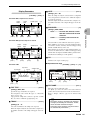
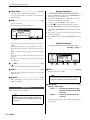
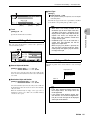
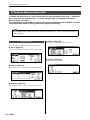
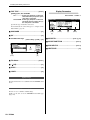
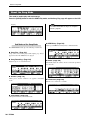
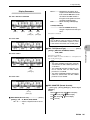
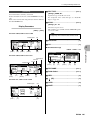
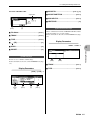
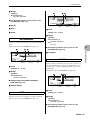
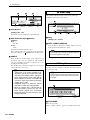
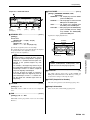
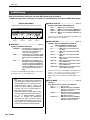
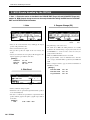
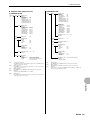
1 Event
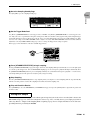
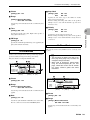
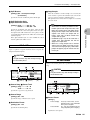
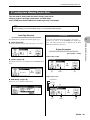
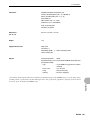
[Settings] 1/16 ~ 16/16, 1/8 ~ 16/8, 1/4 ~ 8/4
Sets the meter for each measure, allowing complex time signatures to be created as required.
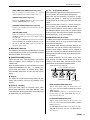
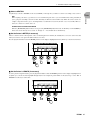
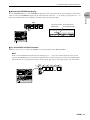
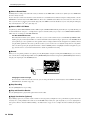
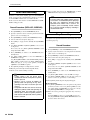
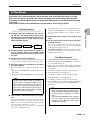
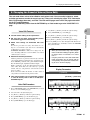
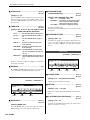
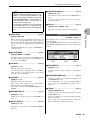
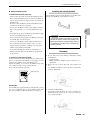
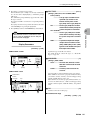
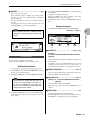
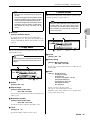
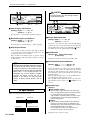
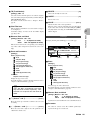
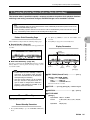
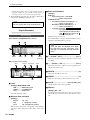
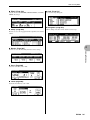
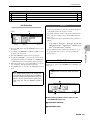
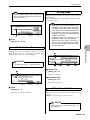
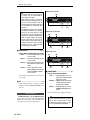
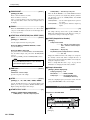
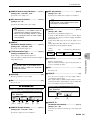
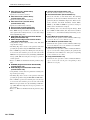
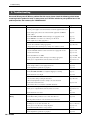
A Style Number
B Section
[Settings]
Style Number
Section
OFF, 01 ~ 64, END
A, B, C, D, E, F, G, H, I, J, K, L, M, N, O,
P
Specifies the style and section to be played at the measure
specified by “9. Measure”, above.
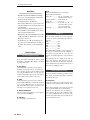
It is not necessary to enter the style and section for each measure when the same style and section are to be repeated.
When a style is turned OFF, a corresponding blank section is
produced during pattern playback (playback does not stop).
Pattern playback will stop when the “END” is reached.
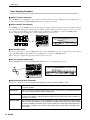
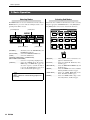
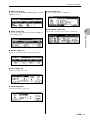
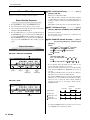
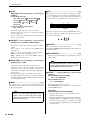
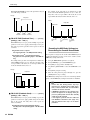
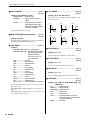
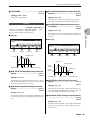
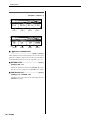
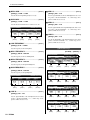
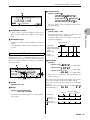
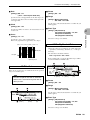
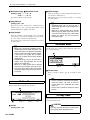
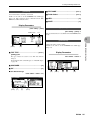
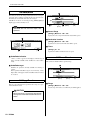
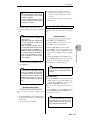
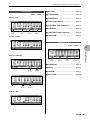
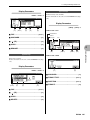
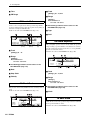
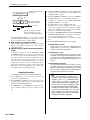
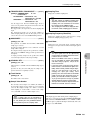
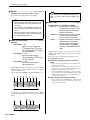
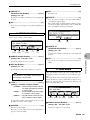
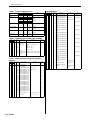
[Settings]
BPM Track
• Tempo Change: 001.0 ~ 300.0 BPM
.............Tempo change events.
SCENE/MUTE Track
• Scene Memory Number: Scene Memory 1 ~ 5
.............Recalls a scene memory.
• Mute Memory Number: Mute Memory 1 ~ 5
.............Recalls a mute memory.
• Track Mute: Track Mute
.............Track mute on/off events. Tracks 1 ~
16 are displayed in order from left to
right. indicates that mute is off;
indicates that mute is on.
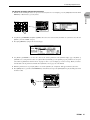
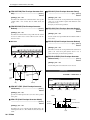
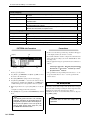
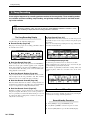
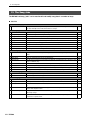
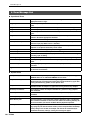
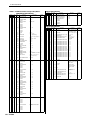
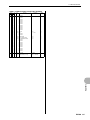
Selects the type of event to be inserted.
For details about the event types and their parameters refer to
“Chapter 7: Other Information”, page 263.
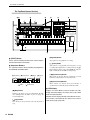
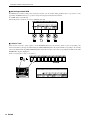
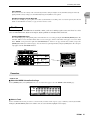
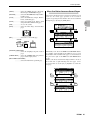
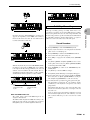
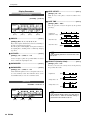
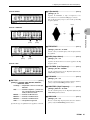
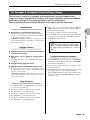
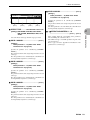
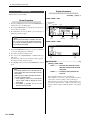
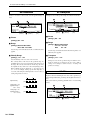
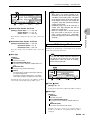
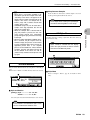
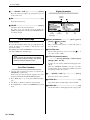
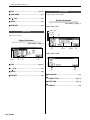
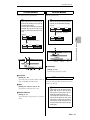
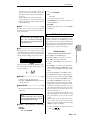
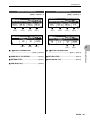
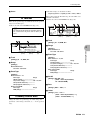
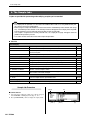
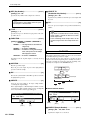
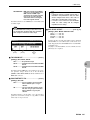
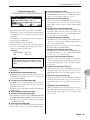
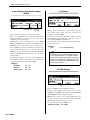
2 Measure, Beat, and Clock
[Settings]
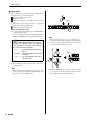
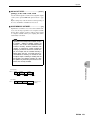
NOTE
• For more information on styles and sections
refer to “Chapter 1: Basics”, page 59.
• Sections A through J can be selected directly
via the black keys on the keyboard when the
[KEYBOARD] button indicator is lit. (Page 72)
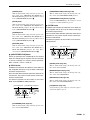
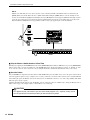
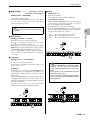
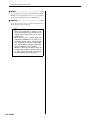
C CLEAR........................................................... [F3]
Clears the style or section at the cursor position.
Measure
Beat
Clock
001 ~ 999
1 ~ 16 (depends on meter)
000 ~ 479 (depends on meter)
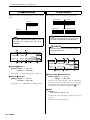
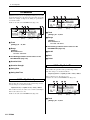
Specifies the location at which the new event will be inserted.
3 Parameter
The value for selected event. The available parameter(s)
depends on the type of event selected.
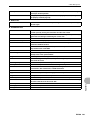
4 ← → (Cursor ← and →) .................................. [Knob 2]
Moves the cursor left or right to select the parameter to be set
for the current event.
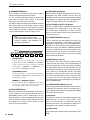
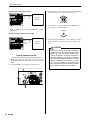
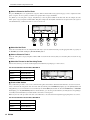
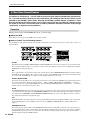
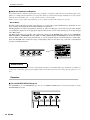
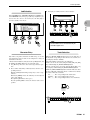
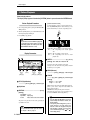
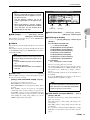
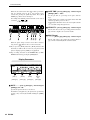
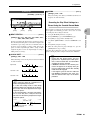
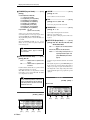
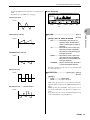
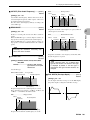
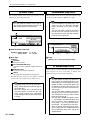
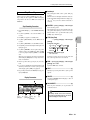
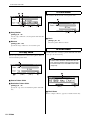
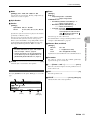
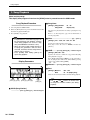
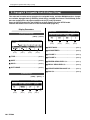
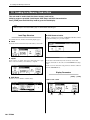
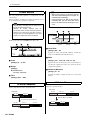
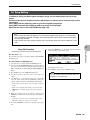
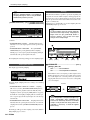
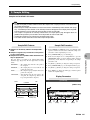
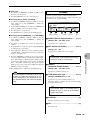
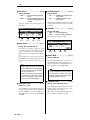
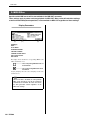
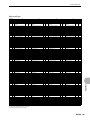
Insert Page
5 DO! ................................................................................... [F3]
Press [F3] (INSERT) from the phrase EDIT page to access this
page.
Inserts the specified event.
6 VALUE ............................................ [Knob 4], [SHIFT]+[F4]
2
1
3
Adjusts the value of the selected parameter.
4
5
[Knob 2]
[F3]
6
[Knob 4]
[SHIFT]+[F4]
RS7000 177
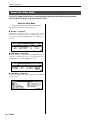
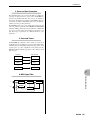
3
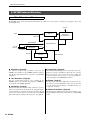
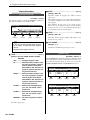
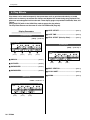
The Pattern Chain Mode
0 Meter