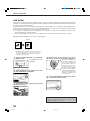
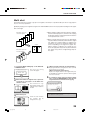
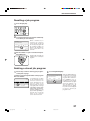
1
SPECIAL MODE
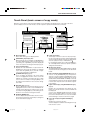
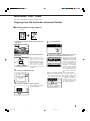
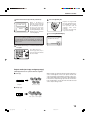
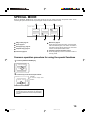
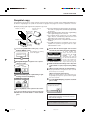
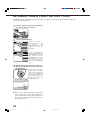
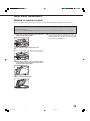
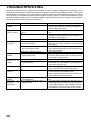
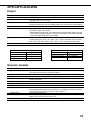
When the [SPECIAL MODES] key on the basic screen of the copy mode is touched, the special modes screen
containing six special function touch keys will appear. These functions are shown below.
OK
SPECIAL MODES
MARGIN SHIFT
ERASE
PAMPHLET COPY
JOB BUILD
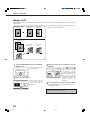
Margin shift: page 20
DUAL PAGE
COPY
MULTI SHOT
Multi shot: page 25
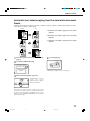
When using the multi shot function, set the original,
select the desired paper, and select one-sided or
two-sided copying before selecting the multi shot
function on the special modes screen.
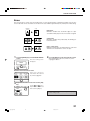
Erase: page 21
Dual page copy: page 22
Pamphlet copy: page 23
[OK] key on the special modes screen
Touch the [OK] key, to return to the basic screen of
the copy mode.
Job build: page 24
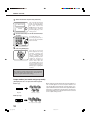
Common operation procedure for using the special functions
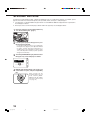
1 Touch the [SPECIAL MODES] key.
SPECIAL MODES
2-SIDED COPY
2 Touch the key for the desired special mode.
Example:
To set the margin shift
function:
MARGIN SHIFT
PAMPHLET COPY
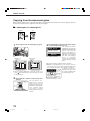
Setting procedures for modes requiring setting
screens start on the next page. The dual page
copy and job build functions do not require setting
screens.
19
copy-2_Ep.P65
19
4/26/01, 11:17 AM