1
Shadow Tracker ™ Professional
Premier Base - Help
Using Help | Contents | Index
OVERVIEW
3
What is Shadow Tracker Professional?
The Advanced Tracking Technologies, Inc. (ATTI) family of products includes Shadow Tracker
Professional, a software product designed exclusively for the consumer market. Shadow Tracker
Professional is designed specifically to work with the GPS data collected using the Shadow Tracker
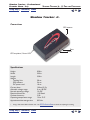
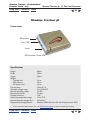
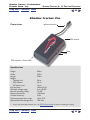
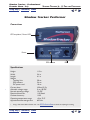
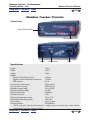
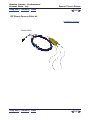
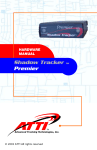
Premier, Jr., j2, Pro and Performer Tracking Unit’s.
Together, the Shadow Tracker Professional software and Tracking Unit’s form the Shadow
Tracker Professional – Vehicle Tracking System, which provides vehicle tracking services and travel
documentation for any vehicle. The Shadow Tracker Professional System uses state of the art
GPS (Global Positioning System) technology created and maintained by the U.S. Department of
Defense.
How does the Shadow Tracker Professional System work?
Once a Tracking Unit has been properly validated using the Shadow Tracker Professional software,
it is installed into a vehicle to begin gathering and recording GPS satellite signals. When travel is
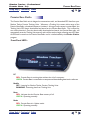
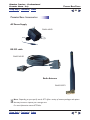
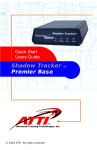
complete the Shadow Tracker Premier Tracking Unit is automatically downloaded by the Premier
Base Radio and processed into the Shadow Tracker Professional database. Or, in the case of the
Shadow Tracker Jr., j2, Pro and Performer, the Tracking Unit is removed from the vehicle and
connected to the computer where the Unit’s GPS data is downloaded and processed into the
database.
Shadow Tracker Professional is then used to display the complete route or Historical Track traveled
by the vehicle. The Historical Track displays a bread crumb trail that shows you precisely where
the vehicle has traveled on the map, detailing the exact streets that were driven, any stops made
along the way, and the speed that was traveled throughout each segment of the Track.
By using the Reporting feature even more detailed information about the Track can be revealed,
including the arrival and departure time of each transit and stop and the maximum speed and
distance traveled during each transit.
Benefits
•
•
•
•
•
•
•
•
•
Displays and prints the complete travel route of any private vehicle
Documents personal mileage and time for tax purposes
Indicates speed of the vehicle at any place along the route
Shows number of stops and time spent at each location
Shows the miles driven at any time
Helps parents keep track of teenagers
Effectively tracks activities of employees and others
Current maps of your town and region, complete with street names
Easily installs into any vehicle
Using Help | Contents | Index
3