1
MPLAB® IDE
USER’S GUIDE
Chapter 21. Simulator Reference
21.1
INTRODUCTION
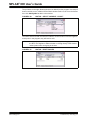
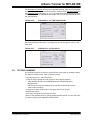
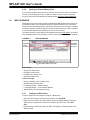
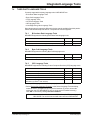
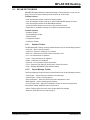
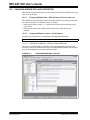
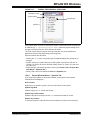
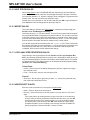
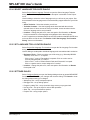
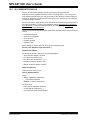
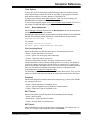
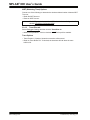
Once MPLAB SIM has been selected as the debug tool in MPLAB IDE (Debugger>
Select Tool>MPLAB SIM), the following simulator-specific features are available:
• Debugging Functions
• Settings Dialog
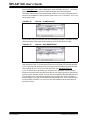
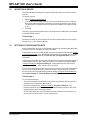
• Settings Dialog – PIC17 Devices
21.2
DEBUGGING FUNCTIONS
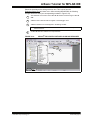
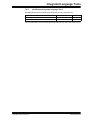
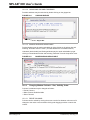
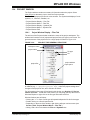
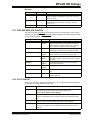
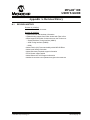
Simulator-specific debug items/functions are added to the following MPLAB IDE features:
•
•
•
•
Debugger Menu
View Menu
Right Mouse Button Menus
Toolbar and Status Bar
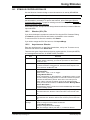
21.2.1
Debugger Menu
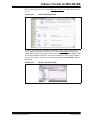
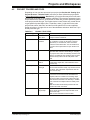
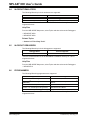
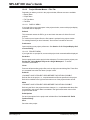
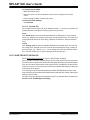
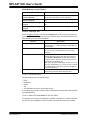
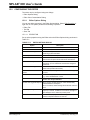
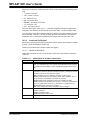
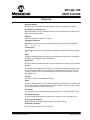
In addition to the standard MPLAB IDE Debug menu items, the following items/operations are unique to the simulator:
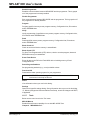
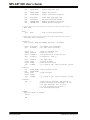
Reset
A Processor Reset will reset the processor, the stopwatch and the simulation time. All
other Resets will only reset the processor.
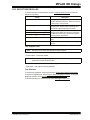
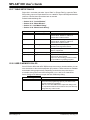
Stopwatch
Time the execution of your code with a stopwatch. For more information, see
Section 17.5 “Using the Stopwatch”.
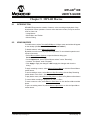
Stimulus Controller
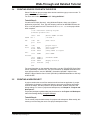
For PIC17 devices: Setup I/O Pin and File Register stimuli for your code and apply
them as your program executes. For more information, see Chapter 19. “Using
Stimulus – PIC17 Devices”.
For all other devices: Set up stimulus using the Stimulus Controller dialog. For more
information, see Chapter 18. “Using Stimulus”.
SCL Generator
Develop code in SCL to control stimulus firing. For more information, see
Chapter 18. “Using Stimulus”.
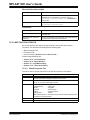
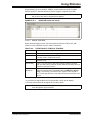
Profile
Show a profile of the current state of the simulator in the Output window or clear (Reset)
the current state. For more information, see Chapter 18. “Using Stimulus”.
Refresh PM
Refresh program memory to restart your program.
© 2006 Microchip Technology Inc.
DS51519B-page 251