1
Enhanced phone functions
Step by step
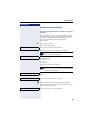
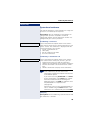
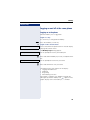
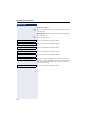
Connecting parties
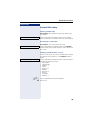
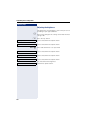
Complete Xfer
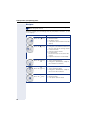
Select and confirm the option shown in the active connection’s context menu. The other two parties are now
connected to one another. You can now hang up or dial
another number for instance.
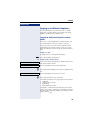
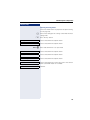
or Connect by hanging up
Prerequisite: Connecting by hanging up is activated
(ask your service personnel) and "Switch assignment"
must be set to "Yes" (Æ page 89). Before you can be
connected by hanging up you must have toggled at
least twice (Æ page 57).
] or n Replace the handset or, if you are in speakerphone
mode, press the loudspeaker key. The other two parties
are now connected to one another.
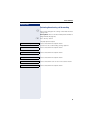
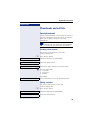
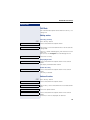
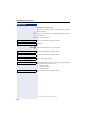
Allowing call waiting
If the Call waiting (second call) function is deactivated, a caller hears the busy signal if you are already conducting a call.
Prerequisite: The option was programmed by your service personnel.
z You can also configure this setting via the Web interface
Æ page 195.
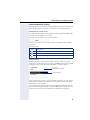
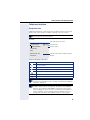
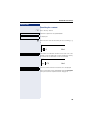
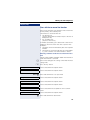
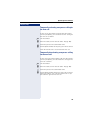
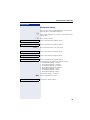
N Press the key shown.
Settings
Select and confirm the option shown.
User
Select and confirm the option shown.
if nec.j Enter and confirm the User password.
Configuration
Select and confirm the option shown.
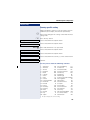
Incoming calls
Select and confirm the option shown.
Handling
Select and confirm the option shown.
Allow call waiting
Select and confirm the option shown.
Yes
Select and confirm the option shown.
88