1
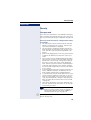
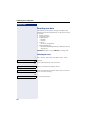
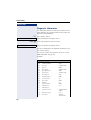
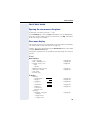
Basic functions
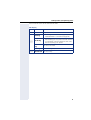
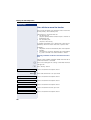
Step by step
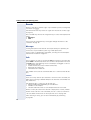
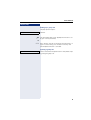
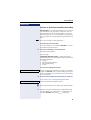
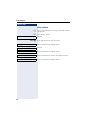
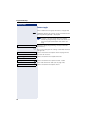
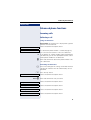
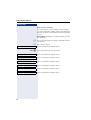
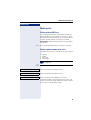
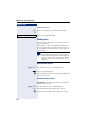
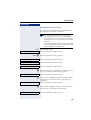
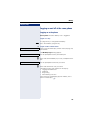
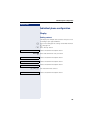
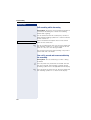
Edit call forwarding?
f
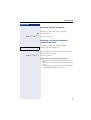
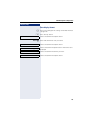
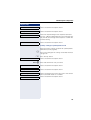
Select and confirm the option shown.
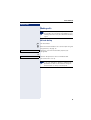
" All calls: 3339
l
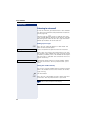
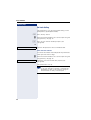
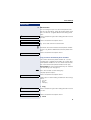
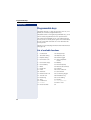
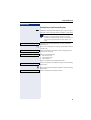
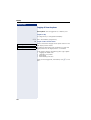
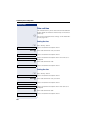
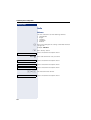
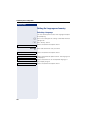
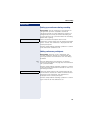
Choose one of the forwarding types offered
"
"
"
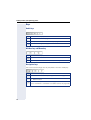
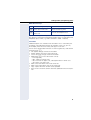
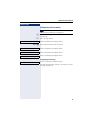
All calls: 3339 (deactivated is the default setting)
Busy: 3335
No reply: 3336
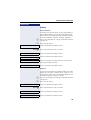
and confirm your selection. Here for example All calls.
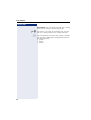
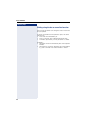
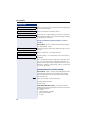
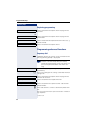
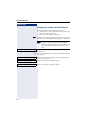
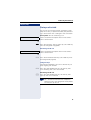
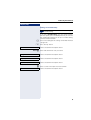
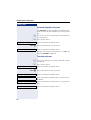
Turn on:
l
Select and confirm the option shown. Call forwarding is
activated. This type of call forwarding is deactivated
with Turn off.
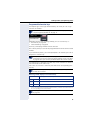
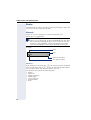
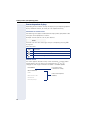
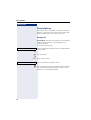
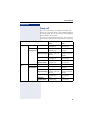
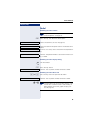
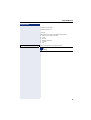
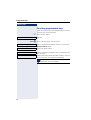
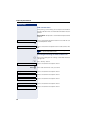
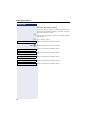
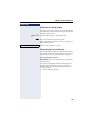
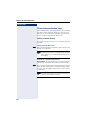
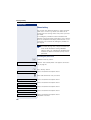
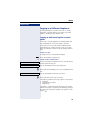
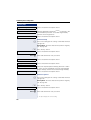
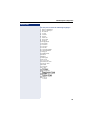
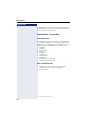
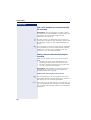
Call forwarding settings can appear as follows:
"
#
#
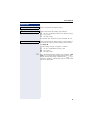
All calls: 3339 (default setting is off)
Busy: 3335
No reply: 3336
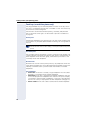
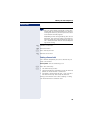
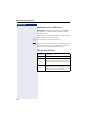
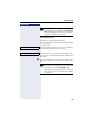
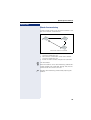
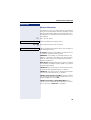
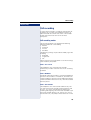
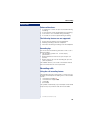
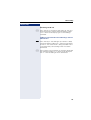
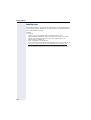
N Press the illuminated key to open the call display. If All
calls was activated, the forwarding destination is displayed with the forwarding symbol and the R key illuminates. The Busy and No reply types of call forwarding are not displayed.
59