1
Table of Contents
Congratulations! ................................................................... 1-1
Dolphin 9500 Series Terminals ............................................ 1-1
Dolphin 9500 Series Peripherals and Accessories............... 1-1
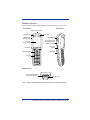
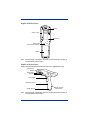
Hardware Overview .............................................................. 1-2
Setting Up Dolphin 9500 Series Terminals........................... 1-4
Unpack the Carton and Verify its Contents .......................... 1-4
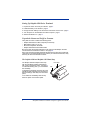
Install the Main Battery Pack ................................................ 1-5
Charge the Main and Backup Batteries................................ 1-5
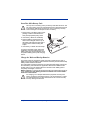
Initialize the Mobile Computer .............................................. 1-7
Today Screen ...................................................................... 1-9
Navigation Bar ...................................................................... 1-9
Verifying Operations with Demos ...................................... 1-10
Verifying Radio Status ....................................................... 1-11
Adjusting the Backlight ...................................................... 1-13
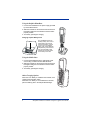
Entering Information ........................................................... 1-14
Using the Keyboards .......................................................... 1-14
Using the Stylus.................................................................. 1-18
Using the Imager ............................................................... 1-19
Taking an Image ................................................................ 1-21
Soft Reset (Warm Boot) ..................................................... 1-21
Hard Reset (Cold Boot) ...................................................... 1-21
Suspend Mode ................................................................... 1-22
Communications................................................................. 1-22
Troubleshooting.................................................................. 1-22
Product Service and Repair ............................................... 1-24
Technical Assistance ......................................................... 1-25
Limited Warranty ............................................................... 1-26
FCC Compliance ................................................................ 1-27
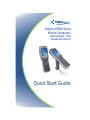
Dolphin® 9500 Series Mobile Computers Quick Start Guide
iii