1
Parent Control (V-CHIP Operation Continued)
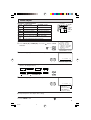
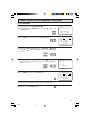
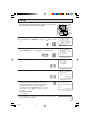
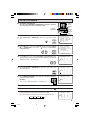
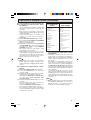
L To change the V-CHIP BLOCK setting. (Secret No. is registered.)
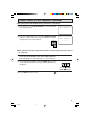
1
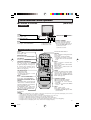
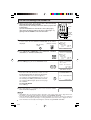
Repeat steps 1 to 3 of [1] MPAA RATING, then “INPUT SECRET
No.” will be displayed.
I NPUT
–
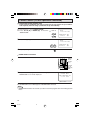
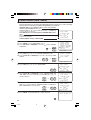
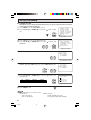
2
Enter the 4-digit SECRET No. using the REMOTE KEYPAD
and the V-CHIP select mode will be displayed. Repeat
configuration of the V-CHIP BLOCK.
I NPUT
S E CRE T
–
–
No .
–
S E CRE T
No .
∗ ∗ ∗ ∗
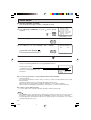
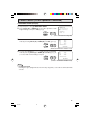
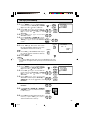
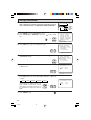
L If you intend to change or forget your Secret No., clear the original Secret No. and set
up a new one.
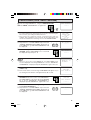
1
Repeat steps 1 to 3 of [1] MPAA RATING, or 1 to 2 of [L To
cancel the V-CHIP BLOCK screen while V-CHIP BLOCK has
been activated], then “INPUT SECRET No.” will be displayed.
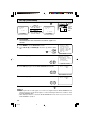
2
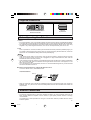
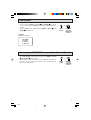
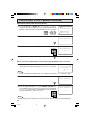
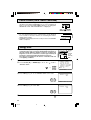
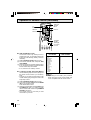
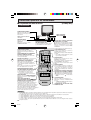
Press and hold both VOL (+) and CH DOWN (9) on the TV
set simultaneously until the message “INPUT SECRET No.”
disappears.
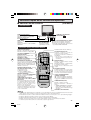
(On the Set)
VOL (+)/CHANNEL
DOWN (9) buttons
3
Press MENU two times to exit.
21
25C340
21