1
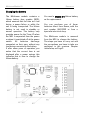
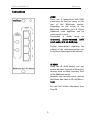
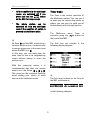
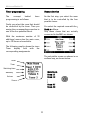
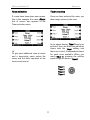
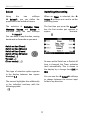
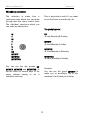
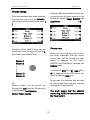
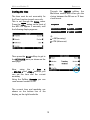
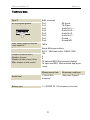
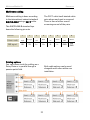
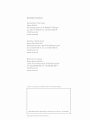
Multiroom Module 03 Re:source Setting the time Through the 12h/24H softkey, the Multiroom module also offers you the choice between the 24 hour or 12 hour clock format. The time must be set accurately for the Timer function to work correctly. This is set through the Setup menu. Press the Setup button on the front of the M51 for approx. 2 seconds, until the following display appears: European English 00:00-12:59 h 00a00-11a59 h 13:00-23:59 h 12p00-11p59 h a = AM (morning) p = PM (afternoon) Then press the Clock softkey to get to the SET CLOCK menu, as shown on the next page. Here, using the - Hour +, - Minutes + and - Day + softkeys, you can set the time and the current weekday. Using the Softkey Seconds you can reset second counter to :00. The current time and weekday are shown on the bottom line of the display, on the right-hand side. 19