1
Contents
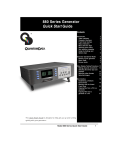
Model 700, 701 Video Test Generators
Quick Start Guide
Getting Started ........................................................................................................... 2
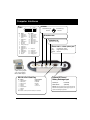
Computer Interfaces.................................................................................................... 3
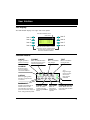
User Interface ............................................................................................................. 4
Selecting Formats ....................................................................................................... 5
Selecting Images ........................................................................................................ 6
Gating Outputs ............................................................................................................ 6
Setting Power Save Preferences ................................................................................. 7
Calibrating Generator .................................................................................................. 8
Adjusting Horizontal Scan Frequency ........................................................................ 10
Detecting Formats Supported by a Monitor ............................................................... 11
Using Test Sequences ............................................................................................... 12
Using Generator with CS-1 Probe .............................................................................. 14
Testing Audio ............................................................................................................ 14
Testing HDCP Interfaces ........................................................................................... 15
Generating Psuedo Random Noise ............................................................................ 15
Using Video Generator Manager ................................................................................ 16
Creating Video Formats ............................................................................................. 17
Modifying Test Sequence .......................................................................................... 18
Pattern Descriptions .................................................................................................. 19
Updating Firmware .................................................................................................... 23
Specifications ........................................................................................................... 24
Service and Support Contacts .................................................................................. 25