1
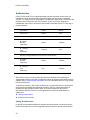
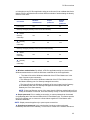
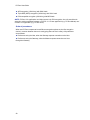
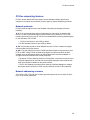
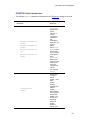
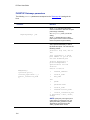
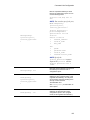
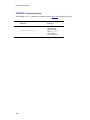
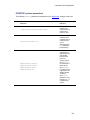
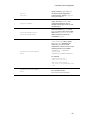
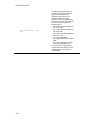
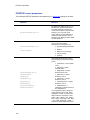
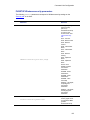
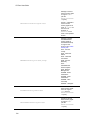
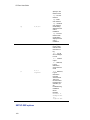
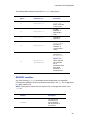
Command Line Configuration installer is configured to reboot at the end of a silent installation, unless otherwise overridden by the REBOOT parameter. This is true for both the MSI and the Setup.exe. NOFIREWALLCONFIG Turn off automatic registration of the Host as an exception to Windows Firewall. If this is set to a nonblank value, no firewall configuration is done by the installer. The default is that this property is not set, and the installer does the firewall configuration. NOTE: By default, when the Host Installer runs in silent mode (no user interface), it restarts the target computer after the Host is installed. Override this behavior by using the REBOOT argument with setup.exe: setup /s /v”/qn REBOOT=Suppress INSTALLDIR=path” During a non-silent install (that is, an installation process that includes an installer wizard), the Host user can control whether or not the computer reboots after the Host is installed. Examples The following examples use command lines to install the Host: MSIEXEC SETUP Start/Wait MSIEXEC The following two examples use command lines to install the Host using msiexec. 143