1
2
Ipro eCapture Controller
In this Chapter
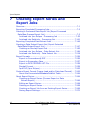
Overview ......................................................................... 2-1
Getting Started ............................................................... 2-1
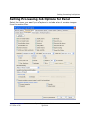
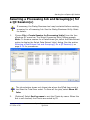
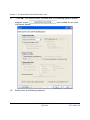
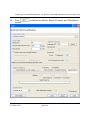
Establishing a Connection with the SQL Server
and Setting the System Options ................................... 2-2
Worker Maintenance ..................................................... 2-11
Creating Task Tables ..................................................... 2-13
Assigning Enterprise Workers ....................................... 2-18
Configuring Integration with Ipro
Enterprise Applications .............................................. 2-20
Configuring Integration with kCura Relativity ............... 2-21
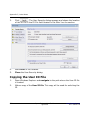
Loading the Hash Lists .................................................. 2-23
Ipro eCapture Controller Interface ................................ 2-26
Maintaining the Ipro eCapture Controller ...................... 2-59
Overview
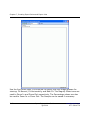
The Ipro eCapture Controller serves as a command center where several different Job types (Discovery, Data Extract, Processing, and Export) can be created, edited, monitored, assigned priorities, and deleted with ease.
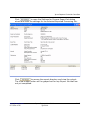
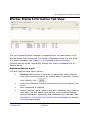
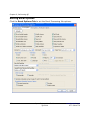
The Ipro eCapture Controller user interface is designed for viewing the status
of all the Workers that are actively connected to the Ipro eCapture database.
The Workers perform discovery and processing in addition to other job functions. In addition, view all tasks that are currently running as well as tasks
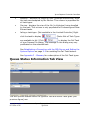
that are waiting in the queue. Task distribution is handled by the Queue Manager, an application that resides on the same workstation with the Controller
and starts automatically with the Controller by default.
This chapter covers the Ipro eCapture Controller user interface and all of its
functions. Subsequent chapters describe the various components of the Ipro
eCapture application such as the Queue Manager, Worker, QC, and Export.
www.iprotech.com
877-324-4776
Ipro eCapture User Guide
Q1 2014
2-1