1
QCing Items
•
•
•
•
•
•
•
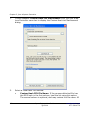
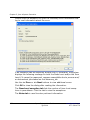
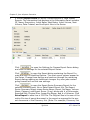
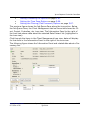
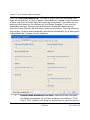
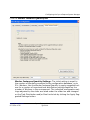
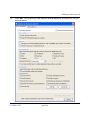
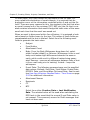
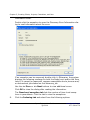
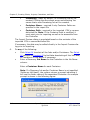
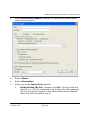
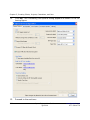
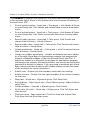
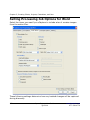
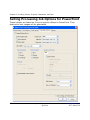
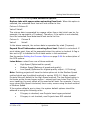
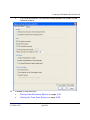
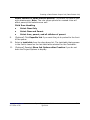
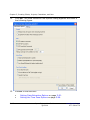
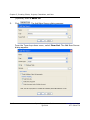
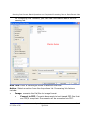
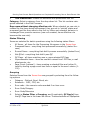
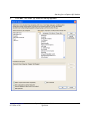
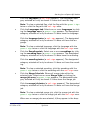
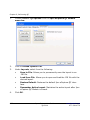
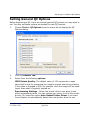
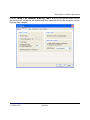
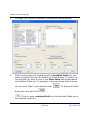
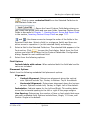
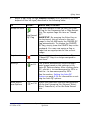
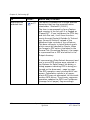
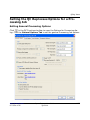
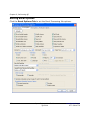
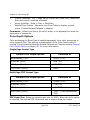
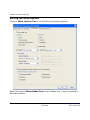
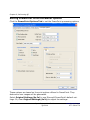
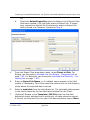
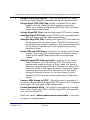
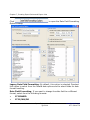
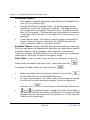
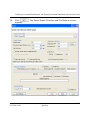
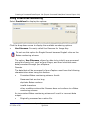
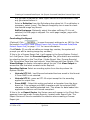
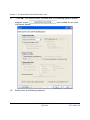
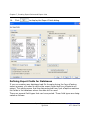
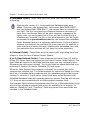
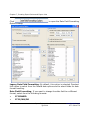
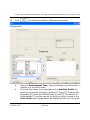
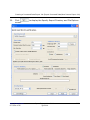
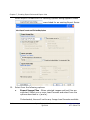
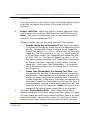
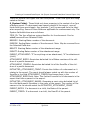
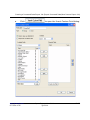
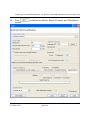
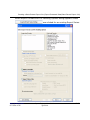
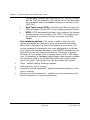
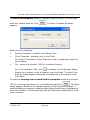
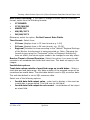
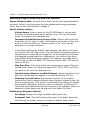
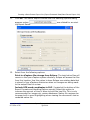
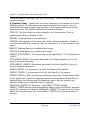
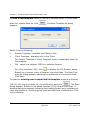
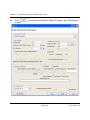
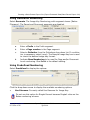
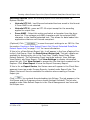
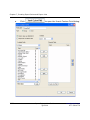
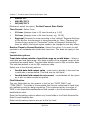
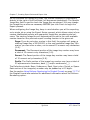
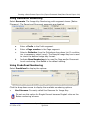
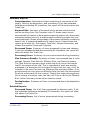
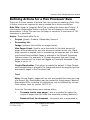
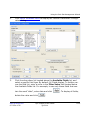
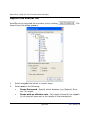
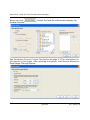
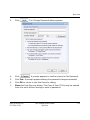
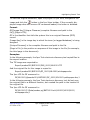
Print Hidden Slides
Fit to Page
Print Comments
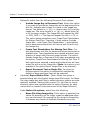
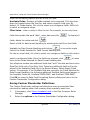
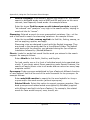
Frame Slides - Prints a border around each slide.
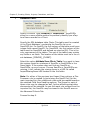
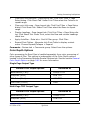
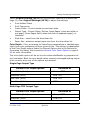
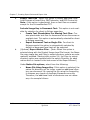
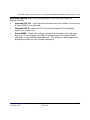
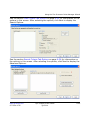
Output Type - Choose Slides, Outline, Notes Pages (notes and slide on
one page), Notes Pages Split (notes and slide on separate page), or
Handouts.
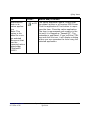
Slide Size - Choose a slide size or As Is from the drop-down list.
Paper Size - select an output paper size or As Is from the drop-down list.
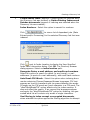
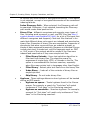
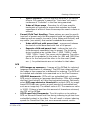
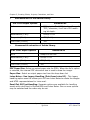
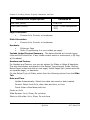
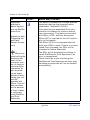
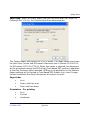
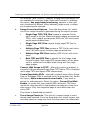
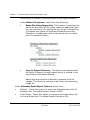
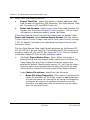
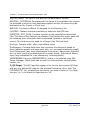
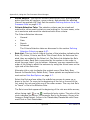
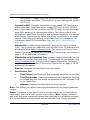
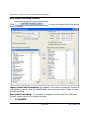
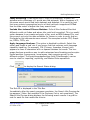
Color Depth - Color processing for PowerPoint presentations is handled separately from color processing of other types of files. This setting is independent
of the Color Depth options under the General Options tab in the Options for
Processing Job dialog. See the section General Color Depth Option on page 681 for more information.
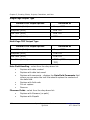
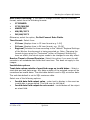
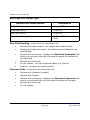
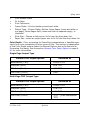
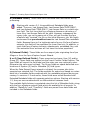
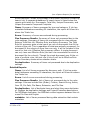
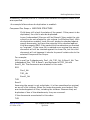
Single Page Output Type
General Color Depth Options
Rendered as
Black&White (1-bit)
Group 4 TIFF
Grayscale (8-bit)
LZW TIFF
256 Color (8-bit)
LZW TIFF
True Color (24-bit)
JPEG
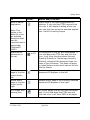
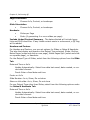
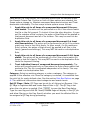
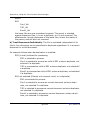
Multi-Page TIFF Output Type
General Color Depth Options
Rendered as
Black&White (1-bit)
Group 4 TIFF
Grayscale (8-bit)
LZW TIFF
256 Color (8-bit)
LZW TIFF
True Color (24-bit)
JTIFF - (JPEG compressed
TIFF)
www.iprotech.com
877-324-4776
Ipro eCapture User Guide
Q1 2014
6-97