1
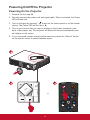
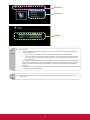
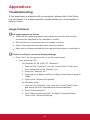
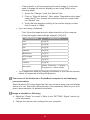
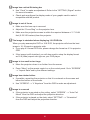
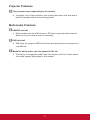
Powering On/Off the Projector Powering On the Projector 1. Remove the lens cap. 2. Securely connect the power cord and signal cable. When connected, the Power LED will flash red. 3. Turn on the lamp by pressing “ ” button on the control panel or on the remote control. The Power LED will turn blue. 4. Turn on your source that you want to display on the screen (computer, notebook, video player, etc). The projector will detect the source automatically and will display on the screen. 5. If you connected multiple sources at the same time, press the “Source” button on the remote control to switch between inputs. 1 SOURCE onic View S Vi e w So ni c LAMP TEMP MENU 2 SOURCE M EN U TEMP 2 or Power Laser HDMI PC SD/USB Video LAMP Enter Menu 15 My Button Exit