1
QUICK START
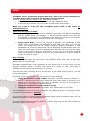
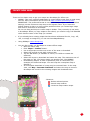
The first time you run OruxMaps, a number of folders will be created on the SD. If for
some reason this fails, e.g. when you have the sdcard connected to the PC, they will be
created the next time you launch OruxMaps.
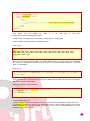
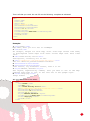
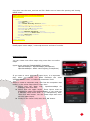
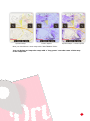
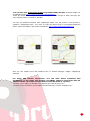
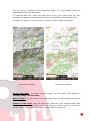
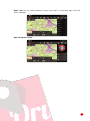
After installation, OruxMaps will start with an online map. The maps that are available
online are configured in the map folder (on the sdcard):
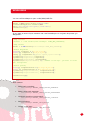
oruxmaps/mapfiles/onlinemapsources.xml.
Further on it will be explained how to modify this file.
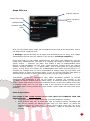
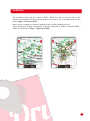
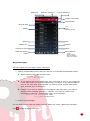
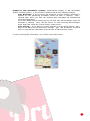
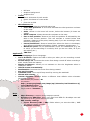
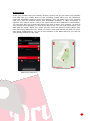
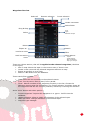
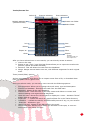
Tracks
Waypoints
Routes
Maps
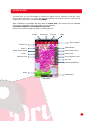
More options
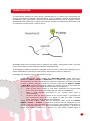
Status bar
GPS ON/OFF
Zoom +
Start track record
Reset zoom digital
Hand scroll
Zoom Measure tool
Trip computer view
3D view
Lateral dashboard
Scale
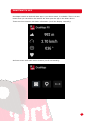
Dashboard
Map viewer
3