1
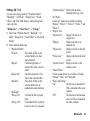
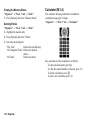
• Depending on how the PDF file was created, some
characters in a PDF file may not be displayed.
• Document files that are saved in Gallery or linked in
a WAP/Web page can be viewed with the document
viewer.
• When “Action Settings” in the motion control setting
for “Document Viewer” is set to “On” (p. 135), you
can zoom in or zoom out by shaking the phone
forward or backward. You can also change the page
being viewed by shaking the phone sideways.
• Document files that are protected with a password
cannot be viewed with the document viewer.
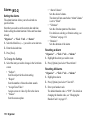
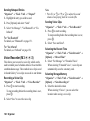
Editing Notepad Entries
“Organiser” → “Tools 3” tab → “Notepad”
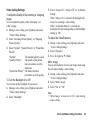
1. Highlight the entry you wish to edit.
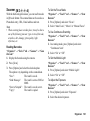
Notepad (M 3-d-d-2)
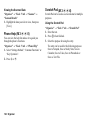
2. Press [Options] and select “Change Category”.
3. Select the desired category.
You can register up to 500 entries for use in text
messages and multimedia messages. The maximum
capacity of a Notepad entry is 8192 characters.
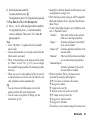
2. Press [Options] and select “Edit Text”.
To view the entry, press B.
To delete the entry, press [Options] and select
“Delete”.
3. Modify the text and press B.
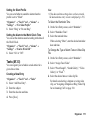
Changing the Category
“Organiser” → “Tools 3” tab → “Notepad”
1. Highlight the desired entry.
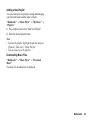
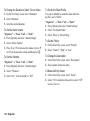
Adding Phrases to the Notepad
“Organiser” → “Tools 3” tab → “Notepad” → “Add
New Entry”
1. Enter the text.
2. Select the desired category.
Organiser 119