1
7
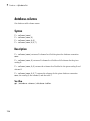
Functions — Alphabetical List
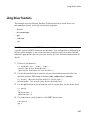
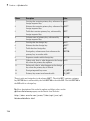
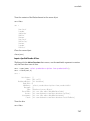
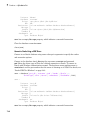
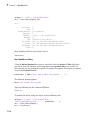
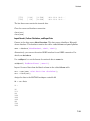
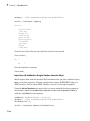
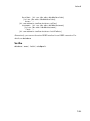
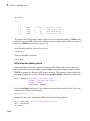
• stockNumber
• supplierNumber
• unitCost
• productDescription
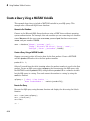
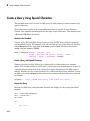
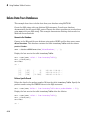
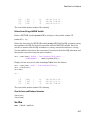
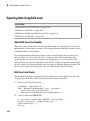
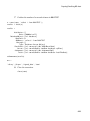
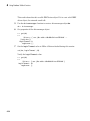
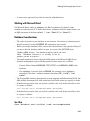
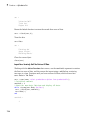
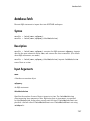
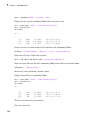
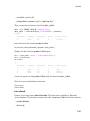
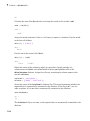
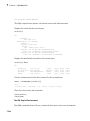
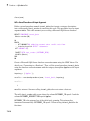
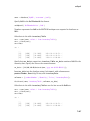
conn = database.ODBCConnection('dbtoolboxdemo','admin','admin');
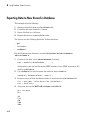
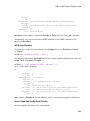
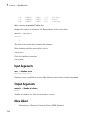
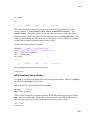
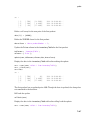
Select and display the data from the productTable table.
curs = exec(conn,'select * from productTable');
curs = fetch(curs);
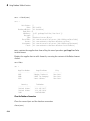
curs.Data
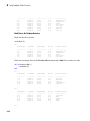
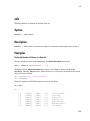
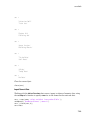
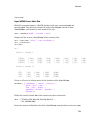
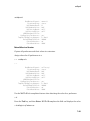
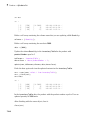
ans =
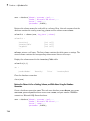
productNumber
------------9
8
7
2
4
1
5
6
3
10
stockNumber
----------125970
212569
389123
400314
400339
400345
400455
400876
400999
888652
supplierNumber
-------------1003
1001
1007
1002
1008
1001
1005
1004
1009
1006
unitCost
-------13
5
16
9
21
14
3
8
17
24
productDescription
-----------------'Victorian Doll'
'Train Set'
'Engine Kit'
'Painting Set'
'Space Cruiser'
'Building Blocks'
'Tin Soldier'
'Sail Boat'
'Slinky'
'Teddy Bear'
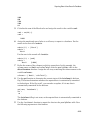
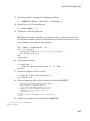
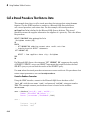
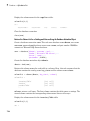
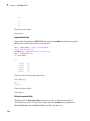
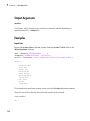
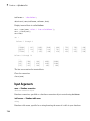
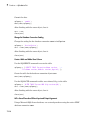
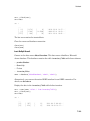
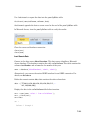
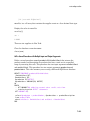
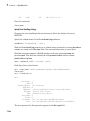
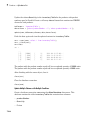
Store the column names of productTable in a cell array.
colnames = {'productNumber','stockNumber','supplierNumber',...
'unitCost','productDescription'};
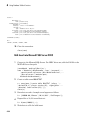
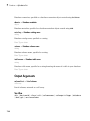
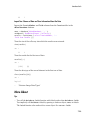
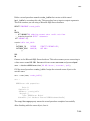
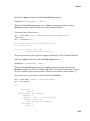
Store the data for the insert in the cell array data that contains these values:
• productNumber equal to 11
• stockNumber equal to 400565
• supplierNumber equal to 1010
• unitCost equal to $10
• productDescription equal to 'Rubik''s Cube'
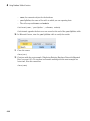
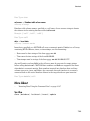
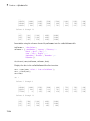
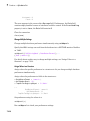
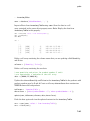
Then, convert the cell array to the table data_table.
data = {11,400565,1010,10,'Rubik''s Cube'};
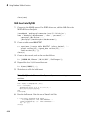
data_table = cell2table(data,'VariableNames',colnames)
7-166