1
•
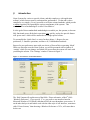
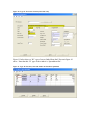
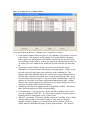
Arguments – Match values to be compared to database rows for the given
dictionary word and comparison operator.
Note that in the ‘Argument’ column, match values should generally be enclosed in
quotes. The convention of “<<….>>” is used to defer specifying the match value you
want until the time when your query is run. The EZQ run-time process will see these
specifications and incorporate the enclosed ‘prompt’ as one of the ‘GetArgs’ elements it
will look for before running the query select.
4
Options Window
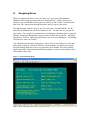
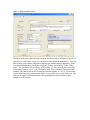
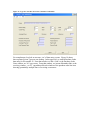
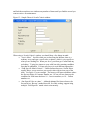
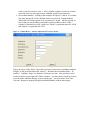
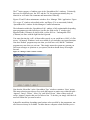
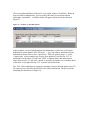
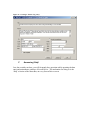
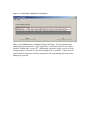
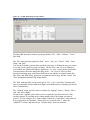
If, from the query ‘layout’ window, you activate the ‘Tools/Options’ window, you will
see a control that looks something like the one shown in Figure 44.
Figure 44 -- Sample EZQ 'Options' window.
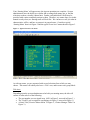
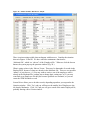
Check the ‘HEADING’ option, and you will then be able to type in a ‘Report Heading’
you want on you query output. In report heading lines the ‘D’ and ‘P’ conventions are
used to cause ‘Run Date’ and ‘Page Number’ substitutions at run time.
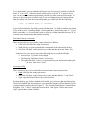
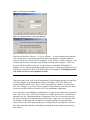
Check the ‘FOOTING’ box, and you will be able to type in page footing text to appear on
your output report.
If you are totaling one or more columns, EZQ will always include grand totals. The
‘GRAND-TOTAL’ check activates the ‘Total Label’ field so you can control how that
line is labeled.